
WordPress Custom Theme Development Step-by-Step Guide
WordPress Custom Theme Development Step-by-Step Guide
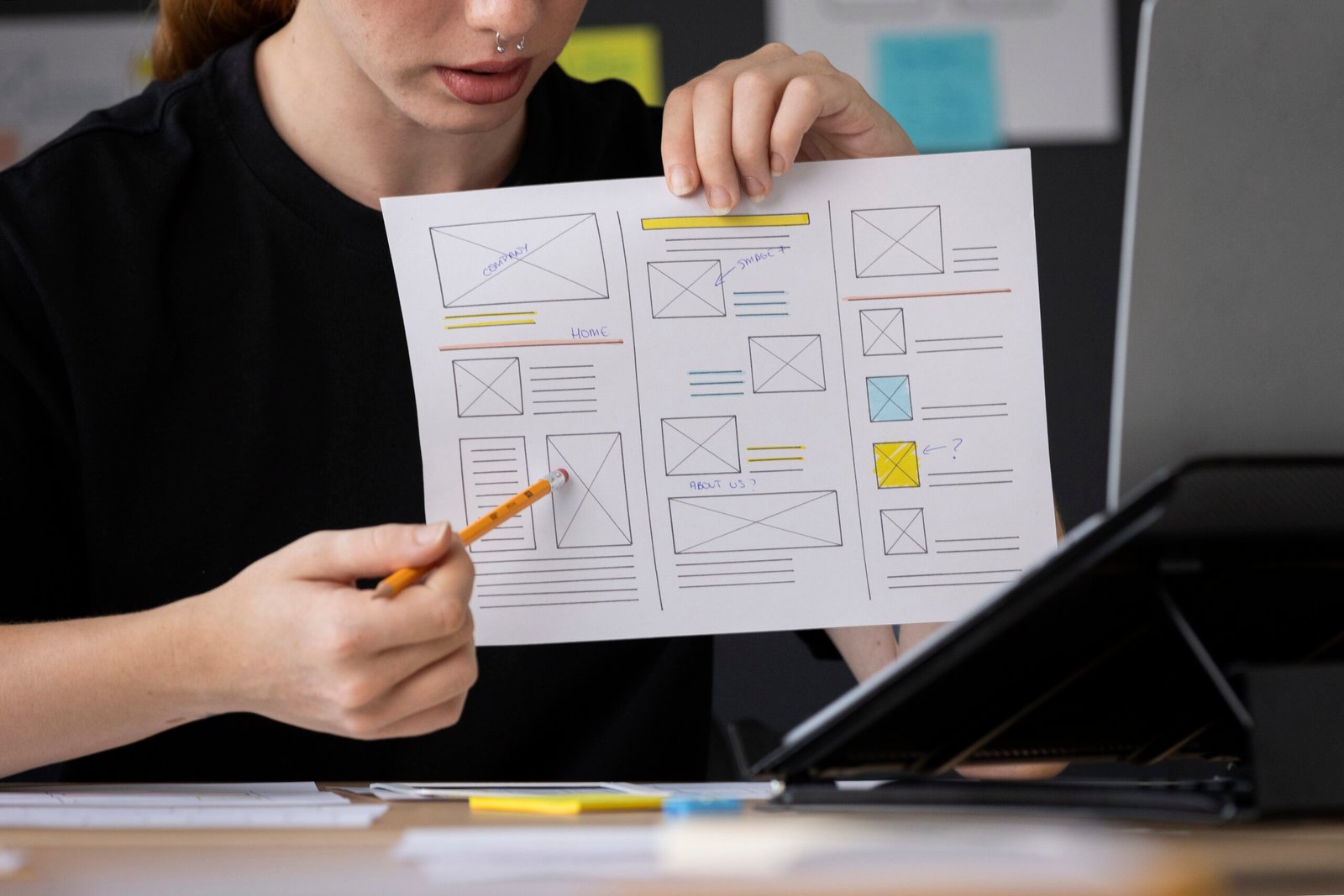
WordPress custom theme development allows developers to create unique and fully customized website designs. Instead of using pre-built themes, custom themes provide complete control over layout, functionality, and performance. By understanding the WordPress theme structure, developers can build scalable and SEO-friendly websites. It involves creating template files, adding styles, and integrating dynamic content using WordPress functions. Custom themes help improve website speed and user experience. This step-by-step guide will help you understand how to build a WordPress theme from scratch.
Understanding WordPress Theme Structure
A WordPress theme consists of a set of files that control the design and layout of a website. Important files include style.css, index.php, functions.php, header.php, and footer.php. Each file plays a specific role in displaying content. Understanding how these files work together is essential for theme development. The theme structure follows a standard format defined by WordPress. Learning this structure helps developers create organized and maintainable themes.
Setting Up a Local Development Environment
Before starting theme development, it is important to set up a local environment. Tools like XAMPP or WAMP allow developers to run WordPress locally. This helps in testing and developing themes without affecting a live website. Developers can install WordPress, create a database, and start building themes safely. A local setup speeds up development and debugging. It is a crucial step for beginners and professionals.
Creating Basic Theme Files
To start a custom theme, developers need to create essential files like style.css and index.php. The style.css file contains theme details and styling, while index.php acts as the main template file. Additional files like header.php and footer.php help organize layout sections. These files form the foundation of a WordPress theme. Proper file creation ensures the theme works correctly in WordPress. This step marks the beginning of theme development.
- Create style.css with theme details
- Create index.php as main file
- Add header.php and footer.php
Adding CSS and JavaScript Properly
In WordPress, styles and scripts should be added using functions instead of directly linking them. The wp_enqueue_style() and wp_enqueue_script() functions are used in functions.php. This ensures proper loading and avoids conflicts. It also improves performance and compatibility. Managing assets correctly is important for a smooth user experience. Following this method is considered a best practice in WordPress development.
Using Template Hierarchy
WordPress uses a template hierarchy to decide which file to load for different pages. For example, single.php is used for single posts, while page.php is used for pages. This system allows developers to create specific layouts for different content types. Understanding template hierarchy helps in customizing themes effectively. It also improves flexibility and control over design. Developers can create unique layouts for different sections of the website.
- single.php for posts
- page.php for pages
- archive.php for listing pages
Adding Dynamic Content with The Loop
The Loop is a core concept in WordPress used to display posts and content dynamically. It fetches data from the database and displays it on the website. Developers can customize how content appears using The Loop. It is used in almost every theme file. Understanding The Loop is essential for building dynamic WordPress themes. It allows developers to create flexible and content-driven designs.
Customizing Theme with Functions.php
The functions.php file is used to add custom functionality to a WordPress theme. Developers can register menus, widgets, and support features like thumbnails. It acts like a plugin within the theme. This file allows developers to extend theme capabilities easily. Proper use of functions.php improves flexibility and performance. It is an important part of custom theme development.
Testing and Optimizing the Theme
After developing a theme, testing is important to ensure everything works correctly. Developers should check responsiveness, browser compatibility, and performance. Optimizing images, code, and assets improves loading speed. SEO-friendly practices should also be followed. Testing helps identify and fix issues before going live. A well-tested theme ensures better user experience and reliability.
- Test on different devices
- Optimize images and code
- Check SEO and performance


