
Building Responsive Layouts Using SCSS
Building Responsive Layouts Using SCSS
Introduction to Responsive Design in SCSS
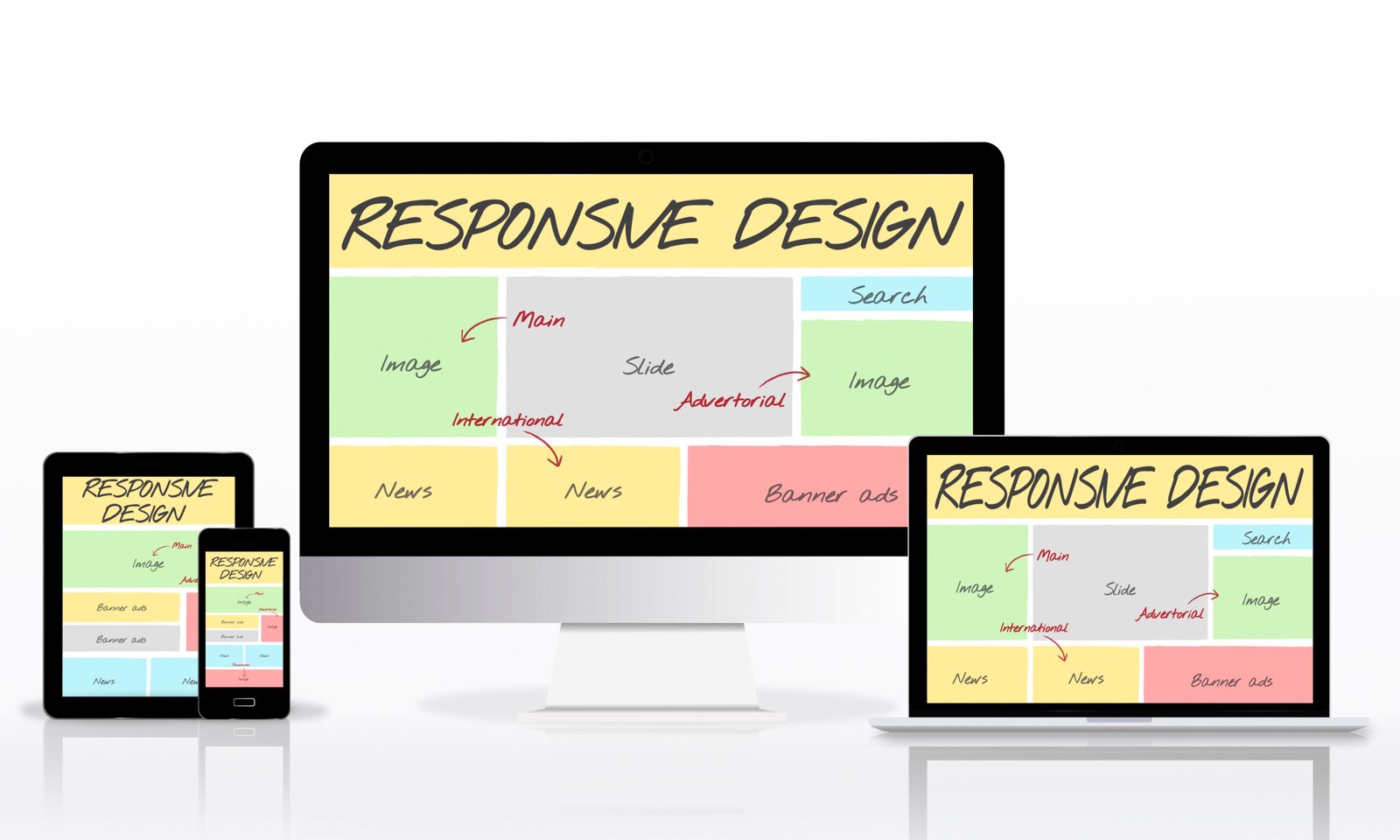
Responsive design ensures that your website looks good on all devices like mobiles, tablets, and desktops. SCSS makes responsive design easier with features like variables, mixins, and nesting. It helps manage breakpoints efficiently. Instead of repeating media queries, SCSS allows reusable logic. This improves code readability. It also reduces duplication. Overall, SCSS is a powerful tool for building flexible layouts.
Using Variables for Breakpoints
SCSS variables can store breakpoint values for different screen sizes. This helps maintain consistency across your project. You can easily update breakpoints in one place. It avoids hardcoding values multiple times. Makes your code cleaner and more manageable. Useful for large-scale projects. Improves flexibility in design.
Example:
$mobile: 576px;
$tablet: 768px;
$desktop: 1024px;
Creating Responsive Mixins
Mixins are very useful for handling media queries. You can define a mixin for breakpoints and reuse it. This reduces repetition of media query code. Makes your SCSS more organized. Improves readability. Helps maintain a consistent responsive structure. Saves development time.
Example:
@mixin respond($breakpoint) {
@if $breakpoint == mobile {
@media (max-width: 576px) { @content; }
}
@if $breakpoint == tablet {
@media (max-width: 768px) { @content; }
}
}
.container {
width: 100%;
@include respond(tablet) {
width: 80%;
}
}
Using Nesting for Responsive Styles
SCSS allows nesting media queries inside selectors. This keeps responsive styles close to the component. It improves organization and readability. Developers can manage styles easily. No need to write separate media sections. Makes the code cleaner. Helps in component-based design.
Example:
.card {
padding: 20px;
@media (max-width: 768px) {
padding: 10px;
}
}
Flexbox and Grid with SCSS
SCSS works well with modern layout systems like Flexbox and CSS Grid. You can use mixins to simplify layout creation. This helps create responsive structures easily. Reduces repetitive code. Improves consistency. Makes layouts flexible and scalable. Useful for complex designs.
Example:
@mixin flex-center {
display: flex;
justify-content: center;
align-items: center;
}
.box {
@include flex-center;
}
Mobile-First Approach
In SCSS, it is recommended to follow a mobile-first approach. Start designing for smaller screens and then add styles for larger screens. This improves performance and usability. Use min-width media queries for scaling up. Makes your design more efficient. Helps create better user experience. Widely used in modern development.
Example:
.container {
width: 100%;
@media (min-width: 768px) {
width: 750px;
}
}
Real-Time Use Case
In real projects, SCSS is used to build responsive websites like e-commerce, blogs, and dashboards. Developers use variables and mixins to manage layouts. This ensures consistency across devices. Makes updates easier and faster. Improves team collaboration. Helps scale the project. Essential for modern web design.
Example:
$tablet: 768px;
.header {
font-size: 14px;
@media (min-width: $tablet) {
font-size: 18px;
}
}
Final Tip
Combine variables, mixins, and nesting to create clean and responsive SCSS code. Always test your layout on different devices to ensure a smooth user experience.




