Happy Coders OTP Login for WooCommerce
Happy Coders OTP Login for WooCommerce allows customers to securely log in or register using a One-Time Password (OTP) sent to their mobile number or email. This plugin simplifies the login process by eliminating the need for passwords and improving user convenience and security in your WooCommerce store.
With OTP-based authentication, customers can quickly access their accounts during checkout, improving the overall shopping experience and reducing login friction.
Plugin Highlights
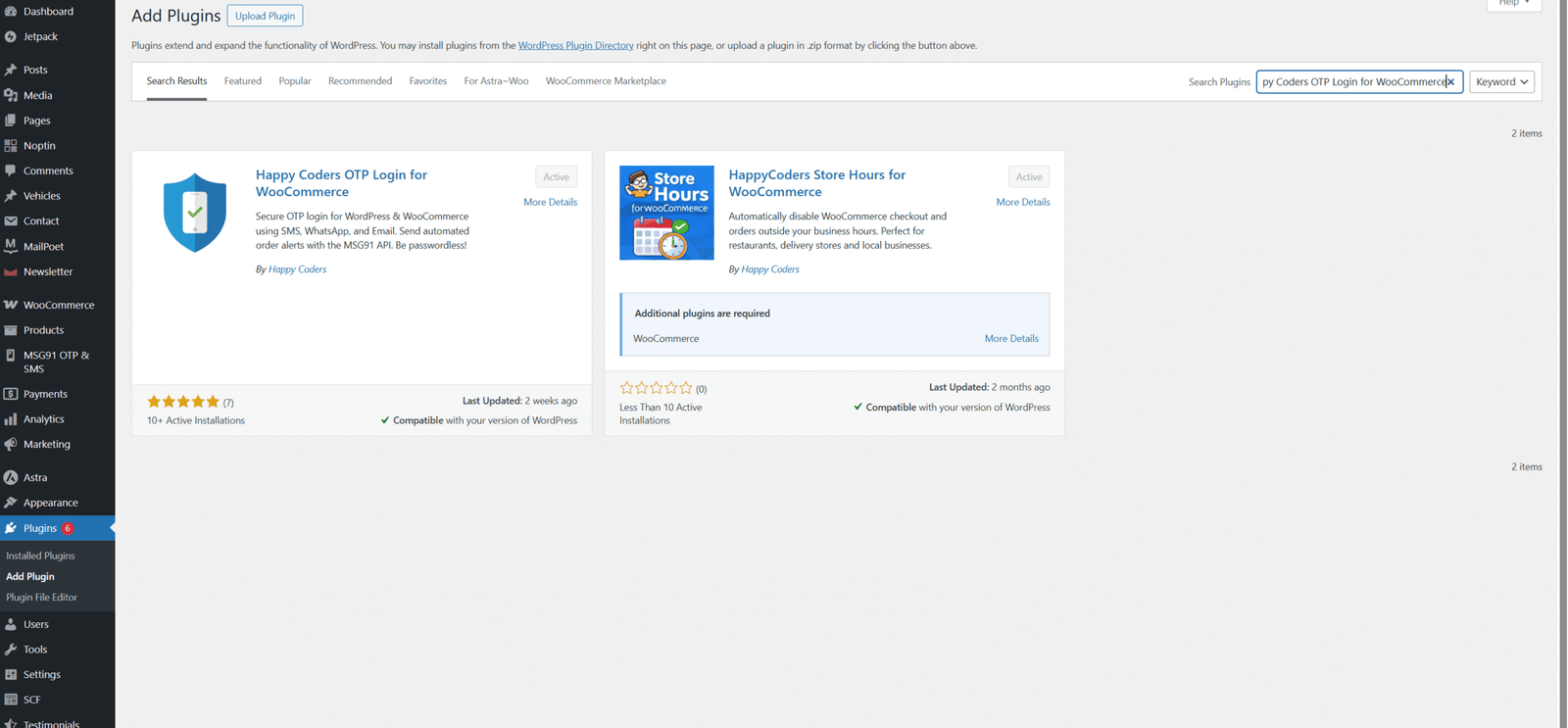
Install the Plugin
Open Plugin Settings
After activation:
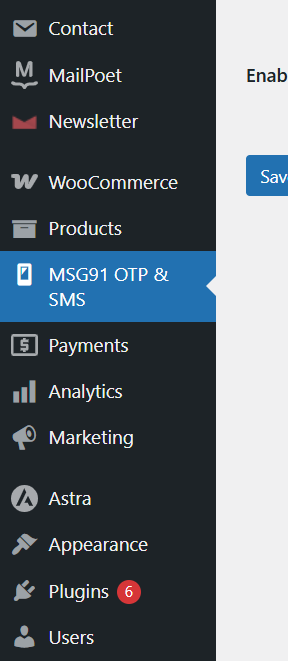
- Go to the left-side menu
- Click on MSG91 OTP & SMS
This will open the Settings tab of the plugin.
Configuration
After installing and activating Happy Coders OTP Login for WooCommerce, you need to configure the plugin settings.
- Go to WooCommerce → Settings in your WordPress admin dashboard.
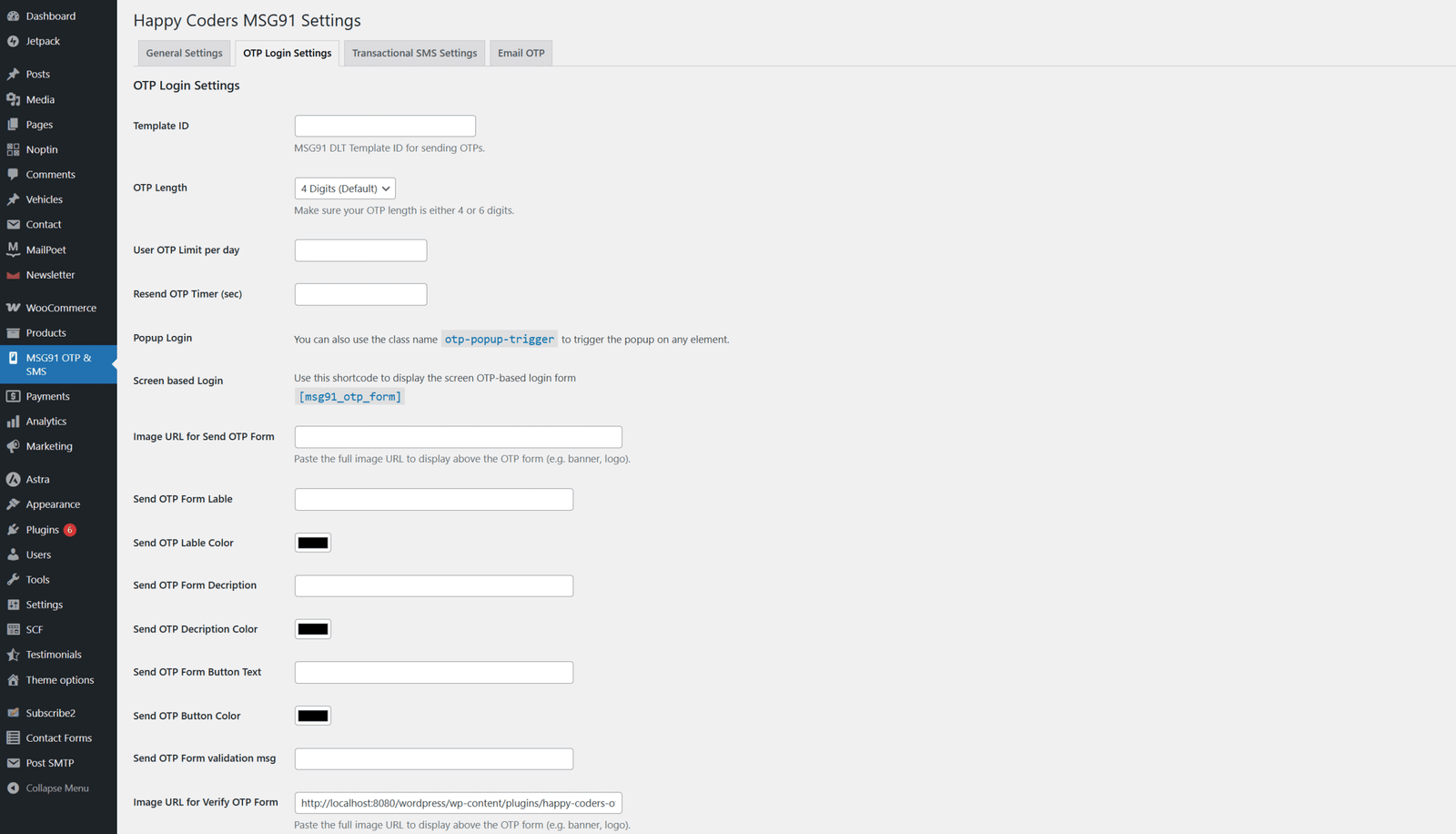
- Open the OTP Login Settings tab.
- Enable OTP login for users.
- Choose whether OTP should be sent via mobile number or email.
- Configure OTP expiry time and verification settings.
- Save the settings to activate the OTP login system.
Once the configuration is complete, customers will be able to log in or register using OTP verification.