
Four Roles Are Usually Enough: Designing Permissions for a Team App
Four Roles Are Usually Enough: Designing Permissions for a Team App
There is a predictable moment in the life of any business application where somebody proposes a permission matrix. A grid of every action against every role, configurable per customer, with inheritance. It is always proposed early, it always sounds like the mature choice, and it is almost always the wrong first move.
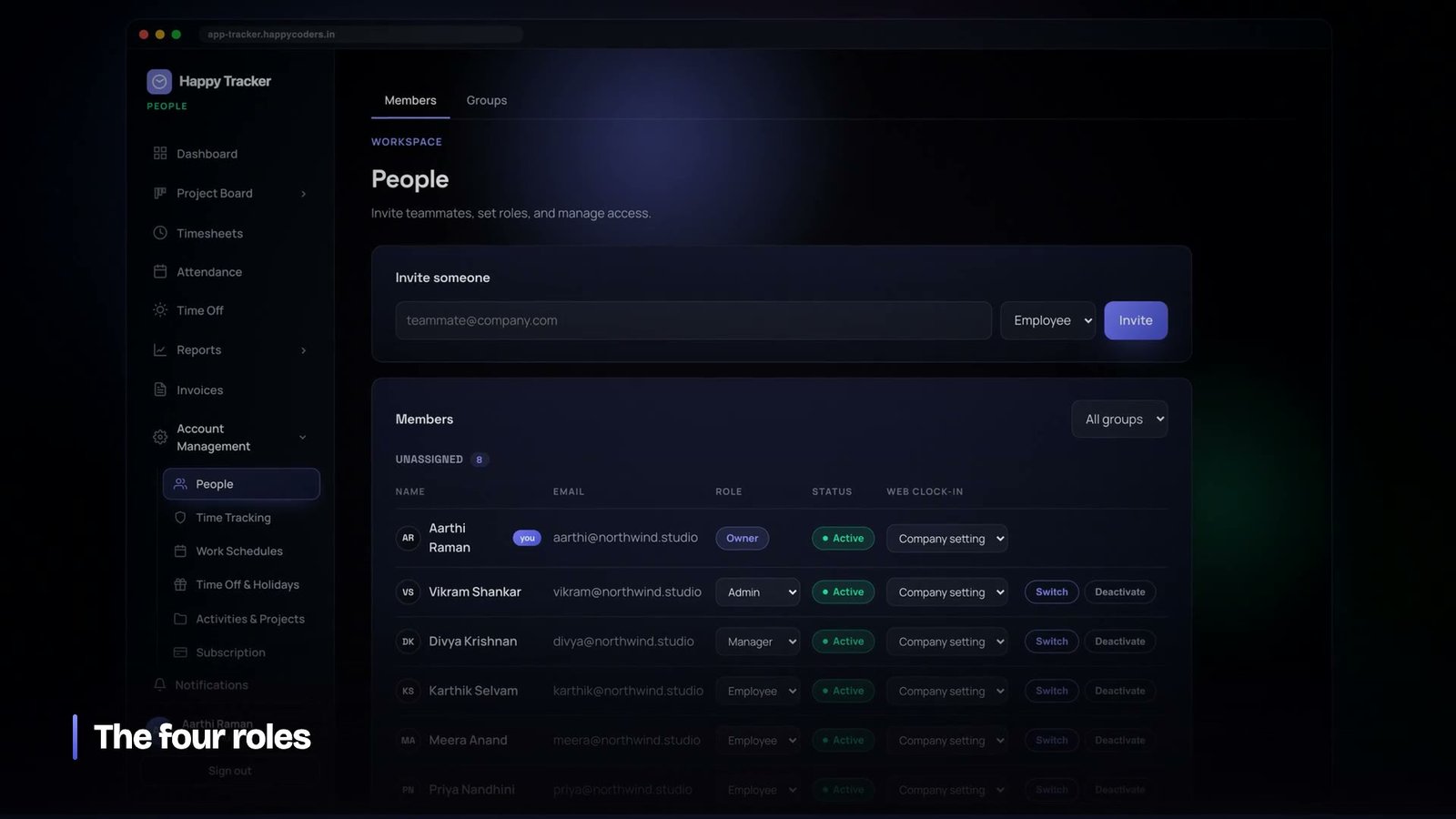
We shipped four roles instead. Owner, admin, manager, employee. Two years and a few hundred organisations later that is still what we have, with a small number of deliberate exceptions, and this is the argument for why.
What the four roles mean
The roles are not levels of trust, they are answers to different questions, which is why four is enough and why adding a fifth is usually a sign that something else is wrong.
- Employee — sees their own data. Their timesheet, their leave, their reports, the projects they are on. Cannot see a colleague’s hours.
- Manager — sees the team’s work and approves things. Timesheets, leave requests, team reports. Cannot change how the company is configured and cannot see billing.
- Admin — configures the workspace. People, projects, clients, policies, privacy settings, the audit log.
- Owner — everything an admin has, plus the commercial relationship: subscription, plan, seats.
Those boundaries fall where real organisational responsibility falls. A team lead approves leave and does not need to see what the company pays for its subscription. An operations manager configures projects and does not need to change the plan. The roles map to jobs, which is why people can be assigned to them without a conversation.
Why not a permission matrix
The matrix has one genuine advantage: it can express anything. Every other property of it is a cost, and the costs are paid by everybody while the benefit is used by very few.
It has to be configured, which means every customer’s first day includes a decision they are not equipped to make. It is difficult to reason about — with thirty permissions across five roles there are a hundred and fifty switches and no way to answer “what can this person do” without reading all of them. It is nearly impossible to test, because the number of combinations exceeds what anyone will write tests for, so the tests cover the defaults and the defaults are the case that was already safe. And it makes support harder: a bug report becomes a question about which of a hundred and fifty switches this customer changed.
Four roles are testable exhaustively. Four roles across the endpoints we have is a number of combinations a person can hold in their head, and every one of them is covered.
A permission system nobody can reason about is not more secure than a simple one. It is less secure, because the mistakes are invisible.
Where the role is stored decides what is possible
The most consequential decision in this whole area is not how many roles there are. It is what the role is attached to.
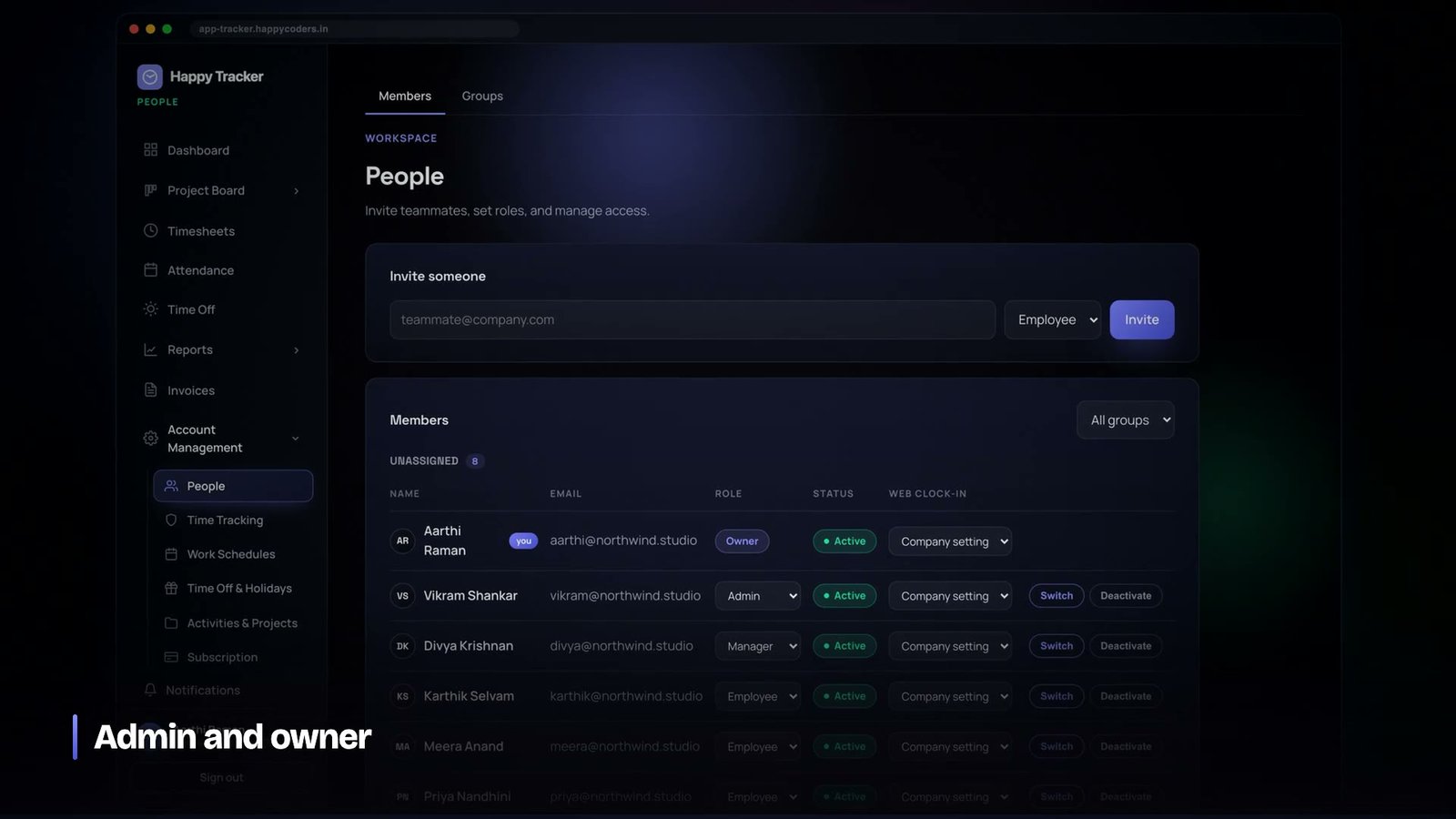
The role lives on the membership — the link between a person and an organisation — not on the user. That single choice is what makes it possible for one person to belong to several companies with different authority in each: an administrator of their own workspace and an ordinary member of a client’s.
If the role sits on the user record, that arrangement is impossible, and you will be asked for it — by the first contractor, the first parent company, the first customer who acquires another. Retrofitting it means touching every permission check in the codebase, and every one of them has a chance to be missed.
The membership also carries status and rates, which means one row answers three questions: are they still here, what may they do, and what do they cost. Those three change together far more often than they change independently.
Enforcement belongs at the server, always
The interface hides what a role cannot use. That is courtesy, not security, and treating it as security is the most common serious mistake in applications of this kind.
Every organisation-scoped endpoint resolves the organisation from the session, confirms membership, and then checks the role before doing anything. Hiding a button changes nothing about what a request can do, and anybody who has opened developer tools knows it.
What made this maintainable was putting the check in one shared place rather than writing it per controller. A route declares which roles may reach it and the check happens once. It is difficult to forget something that is part of the route declaration; it is very easy to forget a line at the top of a method, and the forgotten one will be in the endpoint written on a Friday.
The exceptions we did add, and why each one earned it
Four roles carried us a long way and not all the way. Three exceptions exist, and the test each had to pass was the same: does this represent something real about how companies work, or is it a customer asking us to encode their internal politics.
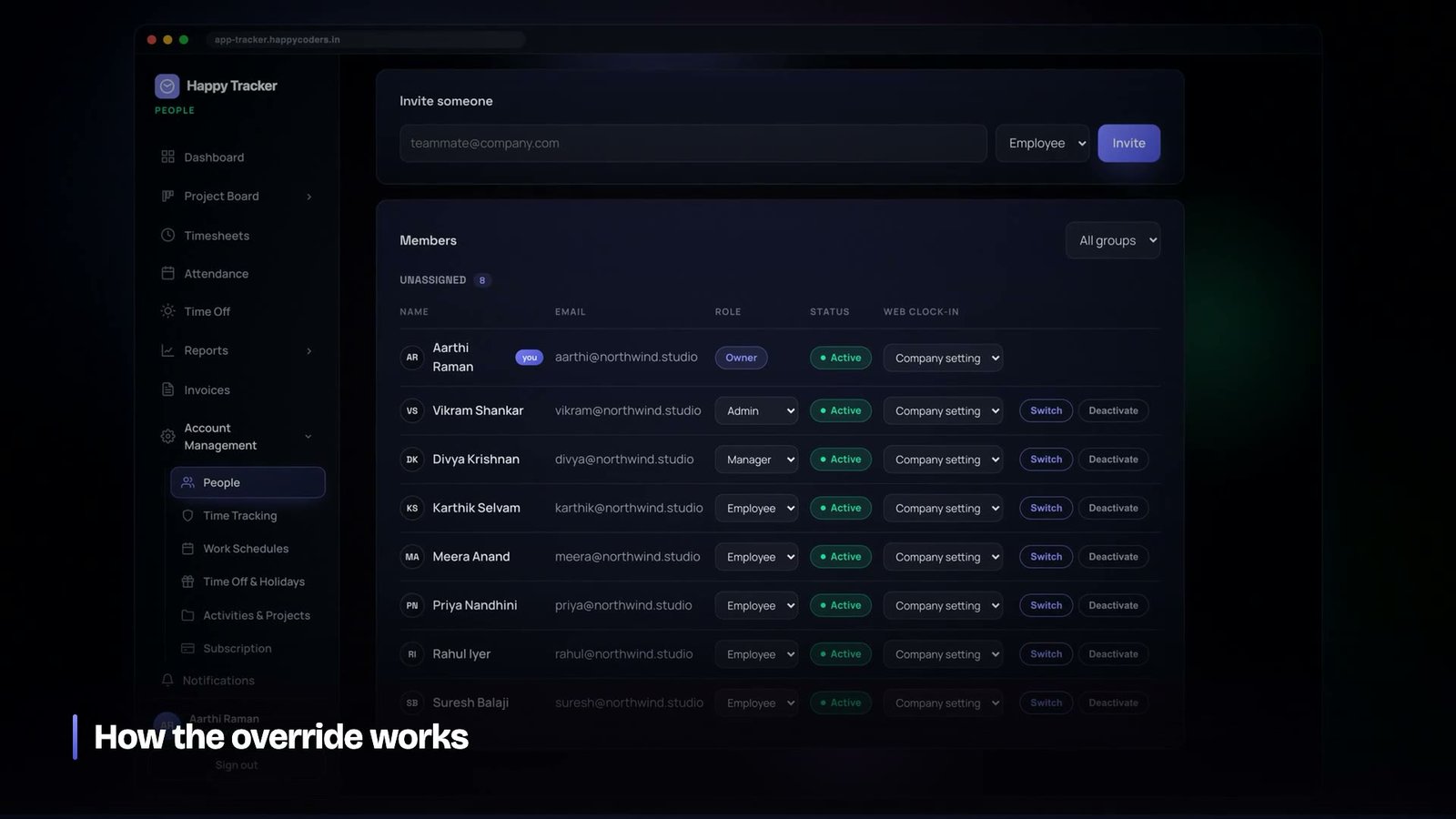
Per-member overrides. One specific permission, on one specific person, set deliberately. The case that forced it was a company that required desktop-only clock-in but had one employee who genuinely needed the browser. The alternatives were a fifth role that meant “employee, but”, or refusing a reasonable request. An override on the membership is narrow, visible on the person’s record, and audited.
Owner auto-approval. Owners have no reporting line, so their leave and timesheets have no approver. We first applied the standard workflow to them and their requests sat permanently pending, breaking every report that filtered on approval. The fix was to make the truth visible: the request is created approved, others are notified, the audit log records that it was automatic, and the interface says no approver is needed rather than showing a control that does nothing.
Impersonation. An owner or admin can view the application as one of their own members, without a password, to reproduce a problem. It is marked on screen throughout, written to the audit log so the member can see it happened, and guarded so it can never be used to become somebody with more authority than the person using it. Always downward, always inside one organisation.
Roles are not tenant isolation, and the difference matters
It is worth being precise about the two layers, because collapsing them is how a permission bug becomes a data breach.
Tenant isolation answers whether a request may see this company’s data at all. Roles answer which of that company’s data a member may see. They are enforced in that order and they are enforced separately.
An employee asking for a colleague’s timesheet is refused by the role check. An employee of a different company asking for the same thing never reaches the role check, because organisation resolution stopped them first. If those two were one mechanism, a bug in role handling would be a cross-tenant leak rather than an over-permissive read inside one company. That is the difference between an embarrassing bug and an existential one.
Teams are a filter, not an authority
Teams exist and they are deliberately not part of the permission system. A team narrows a query; it never widens one.
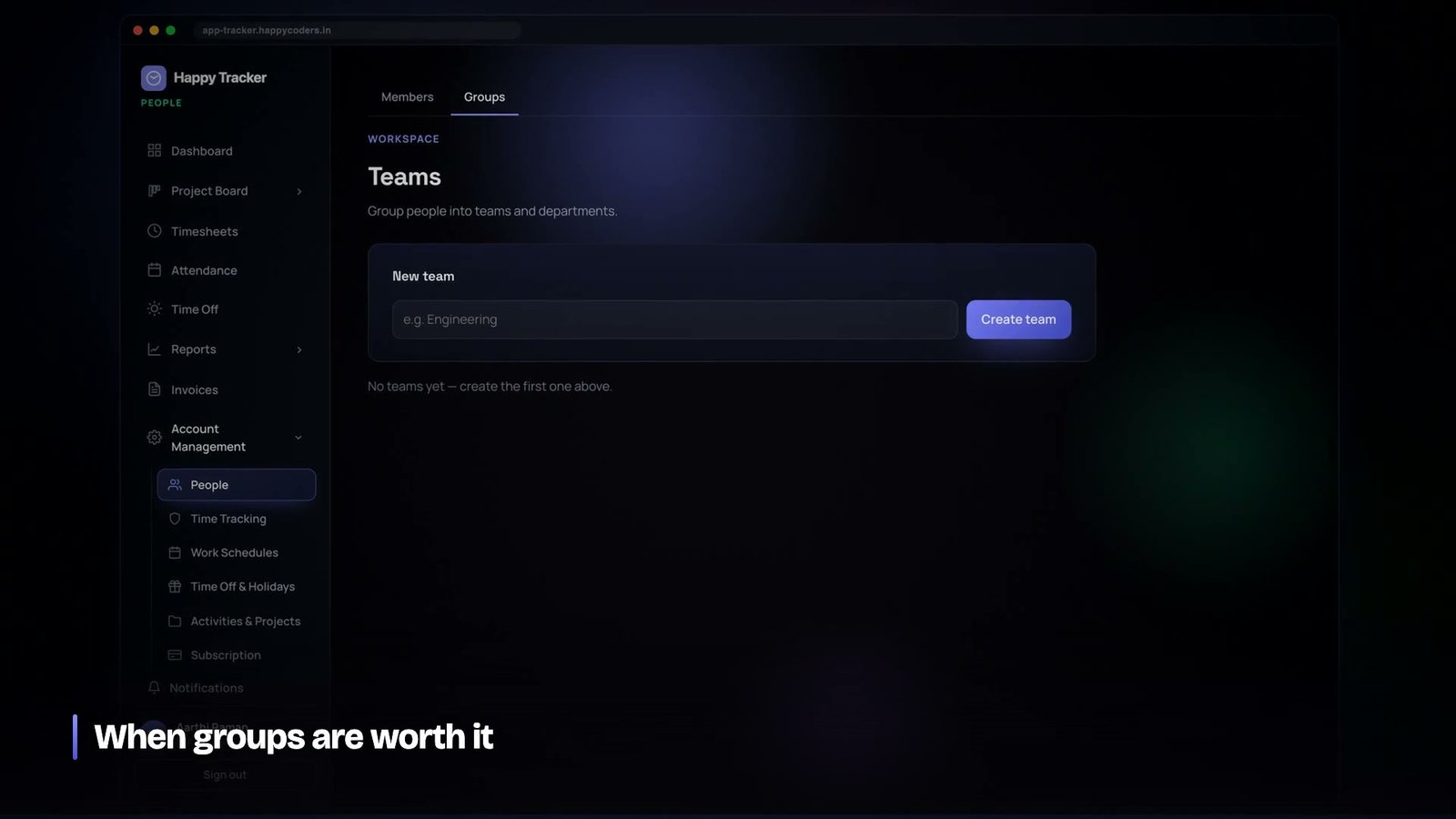
A manager filtering a report by team sees fewer rows. Removing the filter returns them to everything their role permits, not to more. There is no path where team membership grants access a role did not already allow.
The reason for the separation is that the two have different failure modes. A wrong team filter shows the wrong people in a report — annoying and immediately visible. A wrong permission shows data somebody should not see — serious and frequently invisible. Building the first on the machinery of the second means every filtering bug is potentially a security bug, and you lose the ability to reason about either.
Invitations are a permission boundary people forget
Most of the thinking about access control goes into what a signed-in person may do. The way people arrive is treated as onboarding rather than as security, and it is where two of the more interesting mistakes live.
The first: an invitation link is not proof of identity. If the invited address already has an account, accepting the invitation must require that account’s password. Without that check, anyone holding a forwarded link can attach themselves to a workspace as an existing user — and invitation links get forwarded constantly, because that is what people do with email.
We regression-test that specific case, because it is the kind of thing a well-meaning change to the sign-up flow can silently undo.
The second: seat limits have to be enforced everywhere a person can be added, not just where it is obvious. Creating an invitation, accepting one, and reactivating a previously deactivated member are three separate paths that all end with one more person in the workspace. Enforcing the cap on only the first makes it decorative, because the other two still work.
Deactivate rather than delete
What happens when somebody leaves is a permissions question wearing an administration costume.
The instinct is to delete the member. It is also the one operation you can perform that destroys business records: their tracked time, their approved leave, their comments on tasks, their name on the audit entries that explain why things are configured the way they are.
Members are deactivated. Access ends immediately — the role check fails, existing sessions stop working — and everything they did remains. Their hours still appear in last quarter’s reports. Their name is still on the invoice line it produced. Reactivating them later restores access and is subject to the seat cap, because it adds a person to the workspace.
This is the same principle as archiving leave types rather than deleting them, and we arrived at it the same way: by deleting something in a business application and discovering what went with it.
Sessions are part of the permission system
A role change is not effective until the sessions it applies to notice. This is easy to get wrong in a token-based API, where a token issued under one role can outlive the role it was issued under.
Ours are checked per request against current membership rather than against a role baked into the token at sign-in. Demoting somebody takes effect on their next request, not at their next sign-in. That costs a lookup and removes an entire category of surprise, including the worst version — a person who has left the company still holding a working token because nobody logged them out.
Members can also see and revoke their own sessions, device by device. That is a small feature that does two things: it lets somebody who has lost a laptop cut it off themselves without waiting for an administrator, and it makes the device lock comprehensible, because you can see the sessions the lock is talking about.
Changing a password revokes every other session by default. A password change is nearly always a response to a suspicion, and leaving the other sessions alive defeats the purpose of the change.
How to tell when you actually need more roles
We have been asked for extra roles many times and added none, and the question we use to decide has been reliable enough to pass on.
Does the request describe a job, or an exception? A job is a set of responsibilities that several people at several companies would hold — that is a role. An exception is one person at one company who needs one thing they would not normally have — that is an override.
Almost every request turns out to be the second. “Our team lead needs to see reports but should not edit projects” sounds like a role and is one person’s arrangement at one company. Encoding it as a role means it exists for every customer forever, most of whom will find it confusing, and you can never remove it.
The other signal worth watching: if you find yourself naming a proposed role by what it cannot do — “admin but without billing”, “employee but with reports” — you are describing an override in the vocabulary of roles. Roles are named after jobs. Anything named after a subtraction is an exception that has not been recognised as one yet.
Notifications follow permissions, and get it wrong at your peril
A permission system decides what somebody may look at. Notifications decide what gets pushed at them, and it is startlingly easy for the second to leak what the first protects.
The failure is not exotic. A notification that says a leave request was approved is fine for the applicant. The same notification sent to a whole team tells everybody that a colleague is taking leave, which the role model may not permit them to see in any other way. A message naming a project tells the recipient that project exists.
The rule we apply is that a notification is subject to the same check as the screen it points at, and that it carries the minimum needed to make it actionable. Names of people and projects appear only where the recipient could have seen them anyway.
And the actor never notifies themselves
The other rule is trivial and its absence is the fastest way to make a product feel broken. Somebody who approves a request should not receive a notification about the approval they just performed. It is a two-line condition, it is forgotten constantly, and a bell that shows an unread count for something the person did themselves thirty seconds ago is a bell people stop trusting.
Roles are a product decision, not a technical one
The last thing worth saying is that none of this is really an engineering problem. Four roles versus a matrix is a decision about who your product is for and how much configuration you are asking a customer to do on their first day.
A product sold to enterprises with a dedicated administrator can reasonably ship a matrix, because somebody is paid to configure it. A product a twelve-person agency sets up on a Tuesday afternoon cannot, because that decision will be made badly or not at all, and the defaults will be what everyone actually runs.
Knowing which of those you are building tells you the answer immediately. Getting it wrong in the permissive direction costs you every customer who bounced off the setup screen, and you never hear from them to find out why.
What we would tell anyone building this
- Start with three or four roles. You can always add; you can never take away without breaking customers.
- Put the role on the membership. People belong to more than one organisation.
- Enforce at the server, declared on the route. Hidden buttons are courtesy.
- Resolve the tenant before the role, and keep them separate mechanisms.
- Return not-found, not forbidden, for other tenants’ records.
- Prefer a narrow override to a new role when a real exception appears.
- Model the case with no one above them. Owners break every workflow that assumes an approver.
- Audit everything that changes authority, including impersonation.
- Keep teams as filters. Never let them grant anything.
The measure of a permission system is not how much it can express. It is whether the person configuring it can predict what it will do, and whether the person maintaining it can test all of it. Four roles pass both tests. A hundred and fifty switches pass neither, and the customers who genuinely need that much flexibility are rarer than the roadmap suggests.
Happy Tracker’s four roles, overrides and audit log are all in the free plan — five users, no time limit, no card — at happytracker.happycoders.in.




