
One Database, Many Companies: Multi-Tenancy Without Data Leaks
One Database, Many Companies: Multi-Tenancy Without Data Leaks
Every business application that serves more than one company has the same worst possible bug. Not downtime, not data loss, not a wrong number on a report. The worst bug is showing one customer another customer’s data, because it is the only failure that cannot be apologised for. Downtime ends. A leak between tenants is permanent, and it ends the commercial relationship with everyone who hears about it, not just the two companies involved.
What makes it dangerous is that it is not caused by hard problems. It is caused by a query somebody wrote on a Thursday afternoon that forgot one condition.
The three options, and why we chose the risky one
There are three broad shapes for this and the trade-off is the same in every stack.
- A database per tenant. The safest by construction — a query cannot cross a boundary that does not exist. It is also the most expensive to operate: every migration runs N times, backups multiply, and connection management becomes a real problem past a few hundred customers.
- A schema per tenant. A middle ground, cheaper than separate databases, but migrations still fan out and most ORMs fight you.
- One database with a tenant column on every row. The cheapest to run, the simplest to migrate, and the only one where a single missing WHERE clause is a data breach.
We chose the third, which is the one that requires you to be careful. That choice is defensible only if you accept an obligation with it: isolation cannot depend on developers remembering. It has to be structural, so that the natural way to write a query is also the safe way, and the unsafe way requires deliberate effort.
If the safe path and the convenient path are different paths, you will ship the convenient one eventually. The only durable fix is to make them the same path.
Layer one: the column and the global scope
Every table that belongs to a customer carries an organisation identifier, and every model over those tables applies a global scope that filters on the current organisation. That is the baseline. A developer who writes the most obvious possible query gets tenant-filtered results without doing anything.
This catches the large majority of accidents, and it is not sufficient on its own, for two reasons that took us a while to appreciate properly.
The first is that a global scope filters reads. It does not stop a write from being addressed to a record in another tenant, and it does not help when an identifier arrives from outside — a request that says “update task 4172” where 4172 belongs to somebody else. The second is that scopes can be removed. Any codebase eventually grows a background job or an export that needs to see across tenants, the scope gets disabled for that query, and now there is a piece of code where the safety net is off and nothing marks it as dangerous.
Layer two: resolve the organisation once, from the session
The identifier of the current organisation never comes from the request body and never comes from a URL segment that the client controls. It is resolved from the authenticated session, once, at the start of the request, by a shared concern that every organisation-scoped controller uses.
That resolution does three things in one place. It establishes which organisation this request is for. It confirms the authenticated user is actually a member of it. And it checks the organisation is in a state that permits requests at all — a suspended account is stopped here rather than in each of a hundred controllers.
Putting the suspension check at this point rather than in a separate middleware turned out to matter. Suspension is exactly the kind of rule that gets applied to the obvious endpoints and forgotten on the obscure one, and the obscure one is where somebody notices they can still export a report after their account was locked.
Query through the relation, not the model
The convention that does more work than any other in our codebase: an organisation-scoped controller never calls a model directly. It goes through the organisation.
So it is never find task 4172. It is find task 4172 among this organisation’s tasks. The difference in the code is a few characters. The difference in behaviour is that the first returns another customer’s task and the second returns nothing, and returning nothing is a bug report while returning the wrong thing is an incident.
Where a framework binds a record automatically from the URL, we assert the record’s organisation matches the resolved one and return a not-found if it does not. Not a forbidden — a not-found. A forbidden response confirms that the record exists, which is a small information leak that is entirely avoidable.
Layer three: tests that try to cross the boundary
Conventions decay. The only thing that keeps them alive is a test that fails when somebody breaks one, and for tenant isolation those tests have to be written adversarially: not “does this endpoint work” but “does this endpoint refuse”.
Every org-scoped endpoint gets a test that creates two organisations with their own data, authenticates as a member of the first, and asks for something belonging to the second. The expected result is a not-found. These tests are boring to write and they are the entire safety net.
The pattern we settled on is that a new org-scoped endpoint is not considered complete until it has one. It is in the definition of done rather than in a review checklist, because review checklists are read carefully for two weeks after they are written.
Roles are a second axis, and they are not isolation
Tenant isolation answers “may this request see this company’s data at all”. Roles answer “which of this company’s data may this member see”. Conflating them produces a system where a bug in one becomes a breach in the other.
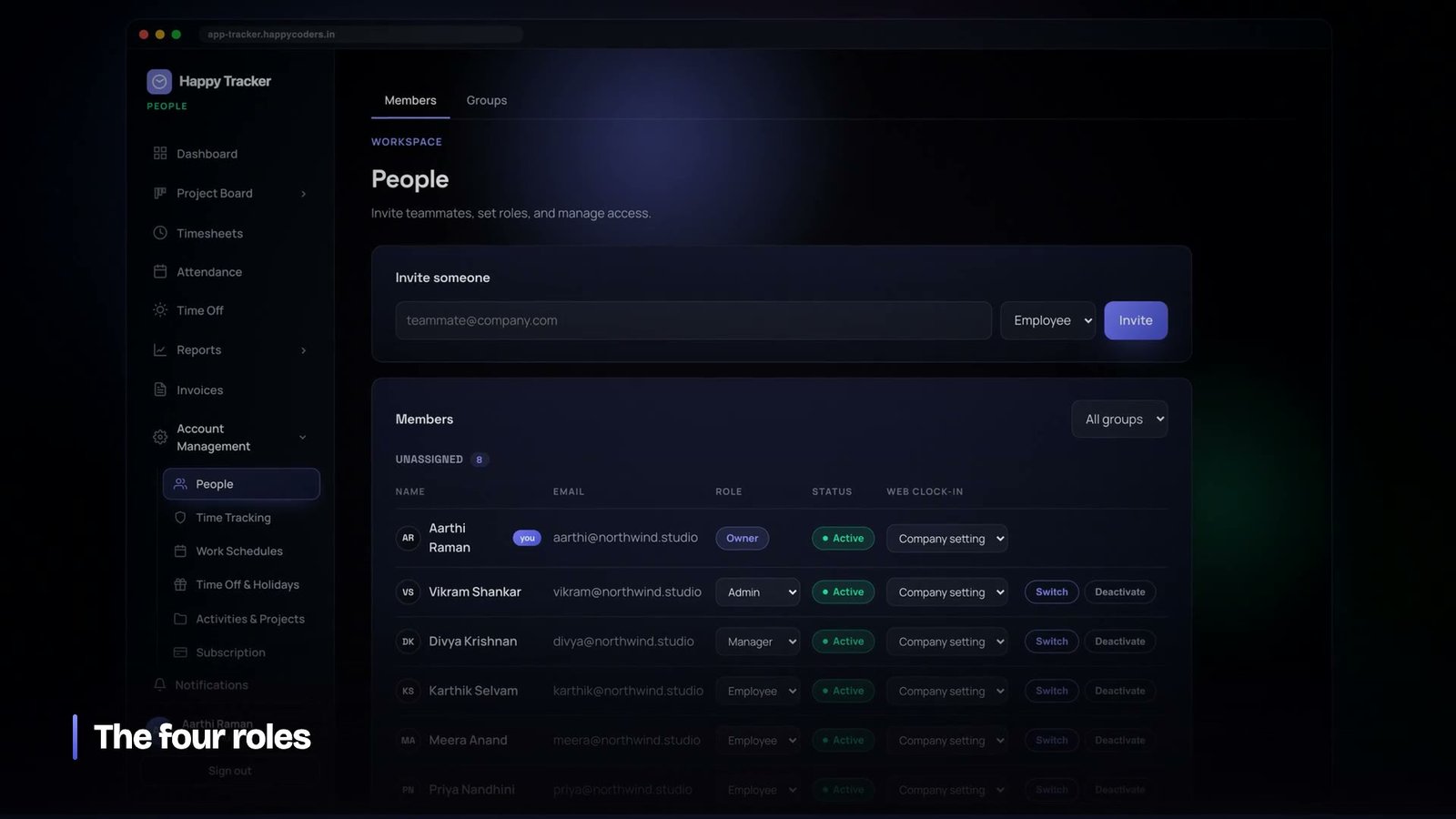
Membership carries a role — owner, admin, manager or employee — and roles are enforced after the organisation is resolved, never instead of it. An employee asking for a colleague’s timesheet is refused by the role check. An employee of another company asking for the same thing never reaches the role check at all, because the organisation resolution stopped them first.
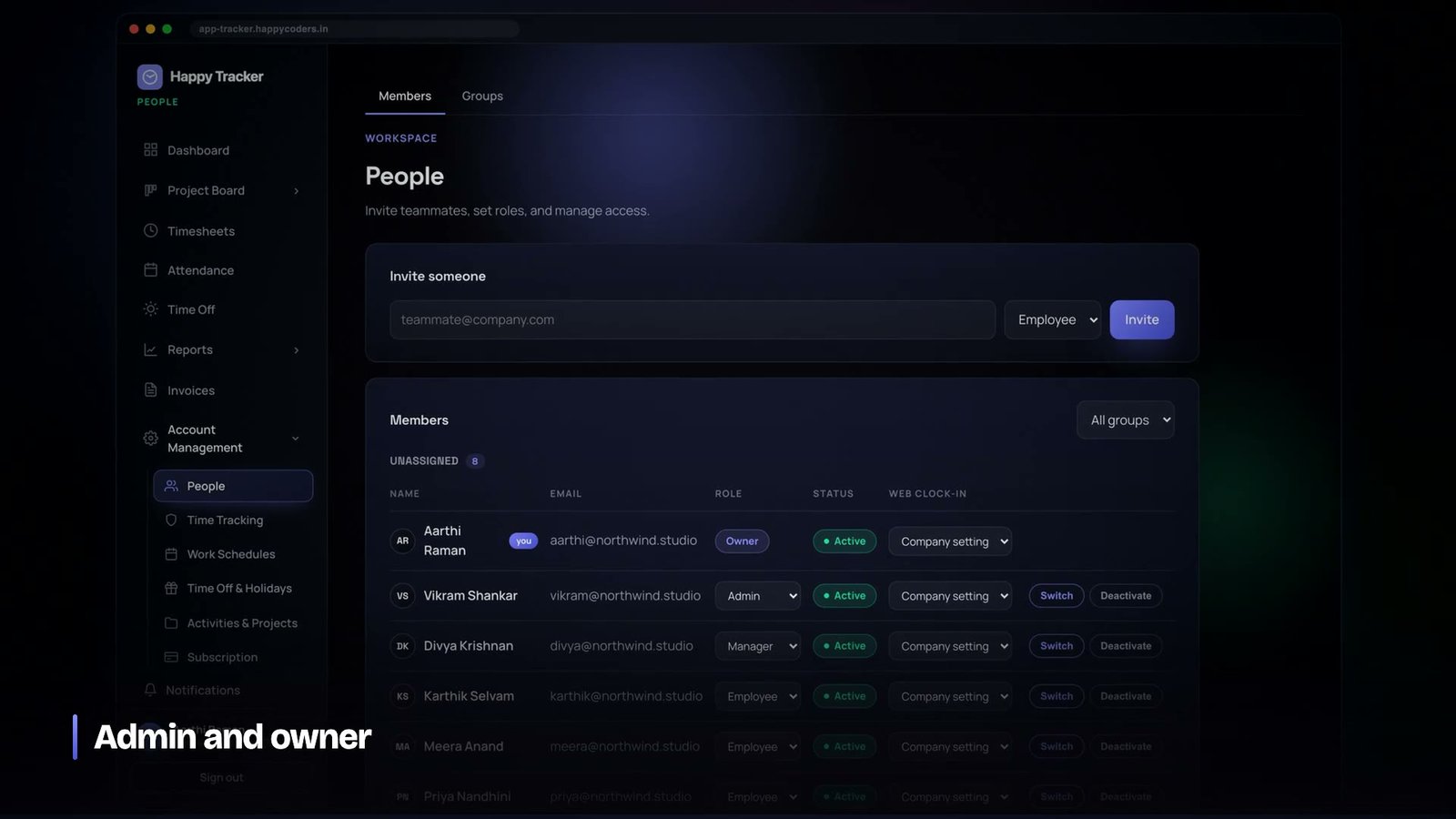
Putting the role on the membership rather than on the user is what makes it possible for one person to belong to several companies with different authority in each — a contractor who is an administrator of their own workspace and an ordinary member of a client’s. If the role lives on the user record, that arrangement is impossible and you will eventually be asked for it.
The places where the scope has to come off
Some things genuinely operate across tenants: the plan and licence tables, the super-administrator console, scheduled jobs that close stale sessions or prune old data. These are legitimate and they are also where a leak will come from if it comes from anywhere, because they are the code that runs with the safety net down.
Three rules we apply to them. They live in clearly separate places rather than being sprinkled through ordinary controllers. They are never reachable from the customer-facing API. And where a job iterates over organisations, it re-establishes the scope for each one rather than running a single cross-tenant query, which means a mistake inside the loop affects one organisation rather than all of them.
That last rule costs a little performance and has already saved us once, on a maintenance command whose filter was wrong. Because it ran per organisation, the wrong filter produced a wrong result for one customer and an obvious anomaly, instead of quietly touching every row in the table.
Plan limits are tenant state too
A detail that is easy to miss: a customer’s plan is part of their tenancy, and limits derived from it have to be enforced on the server for the same reason the tenant filter is.
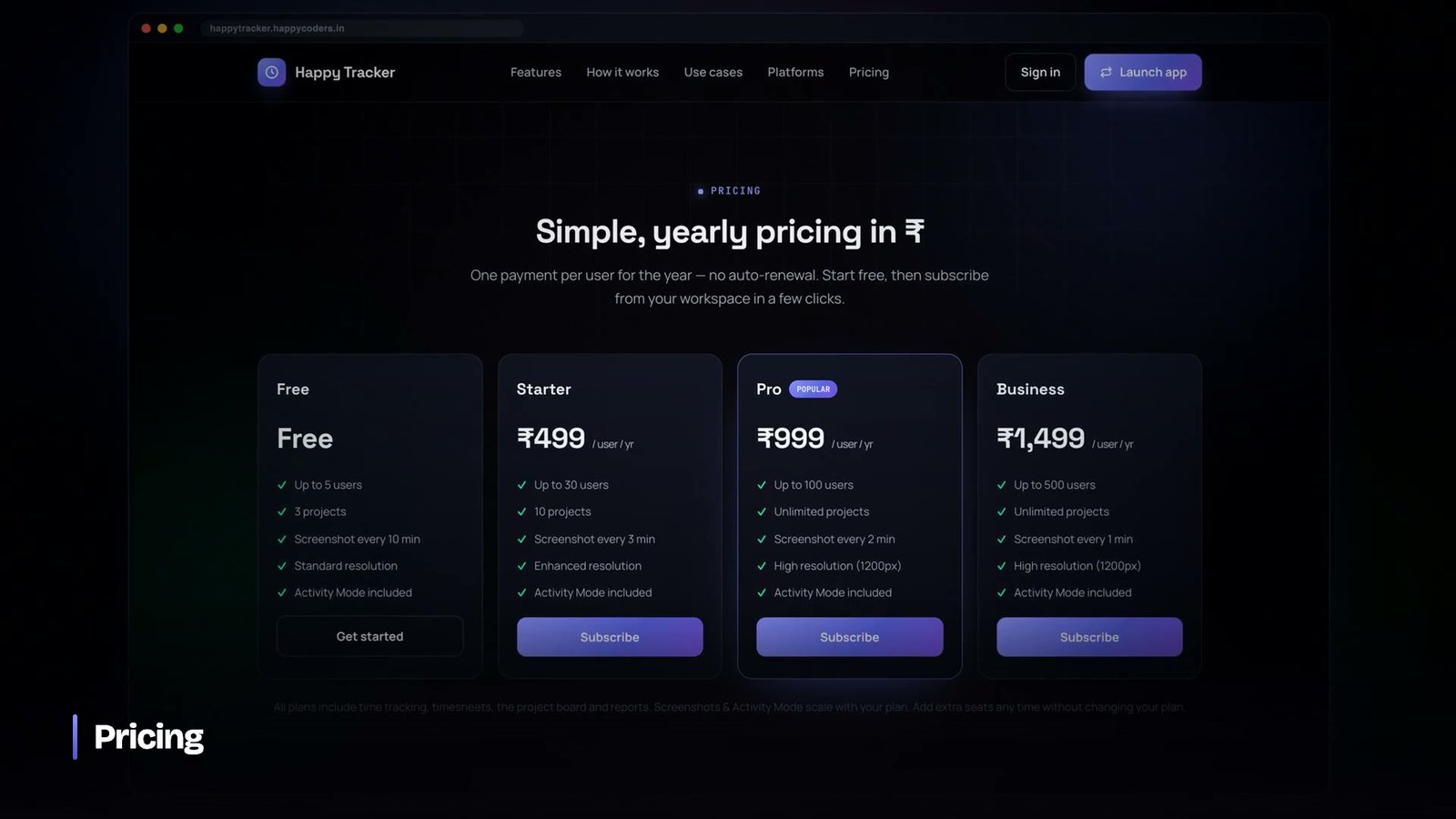
Seat caps gate invitations, invitation acceptance and member reactivation — three separate paths that all add a person, and missing any one of them makes the cap decorative. Retention windows come from the plan. Feature availability comes from the plan. All of it is checked where the action happens, not where the button is drawn.
We shipped a bug here worth mentioning because it is the kind that hides for months. Organisations without a licence record — customers on the free tier who had never bought anything — were falling through a branch that returned the wrong plan configuration, so they were quietly running with a setting from a paid tier. Nothing broke. No error was raised. It surfaced only when somebody set up a deliberate test account and read the effective settings line by line, which is now something we do after any change to plan resolution.
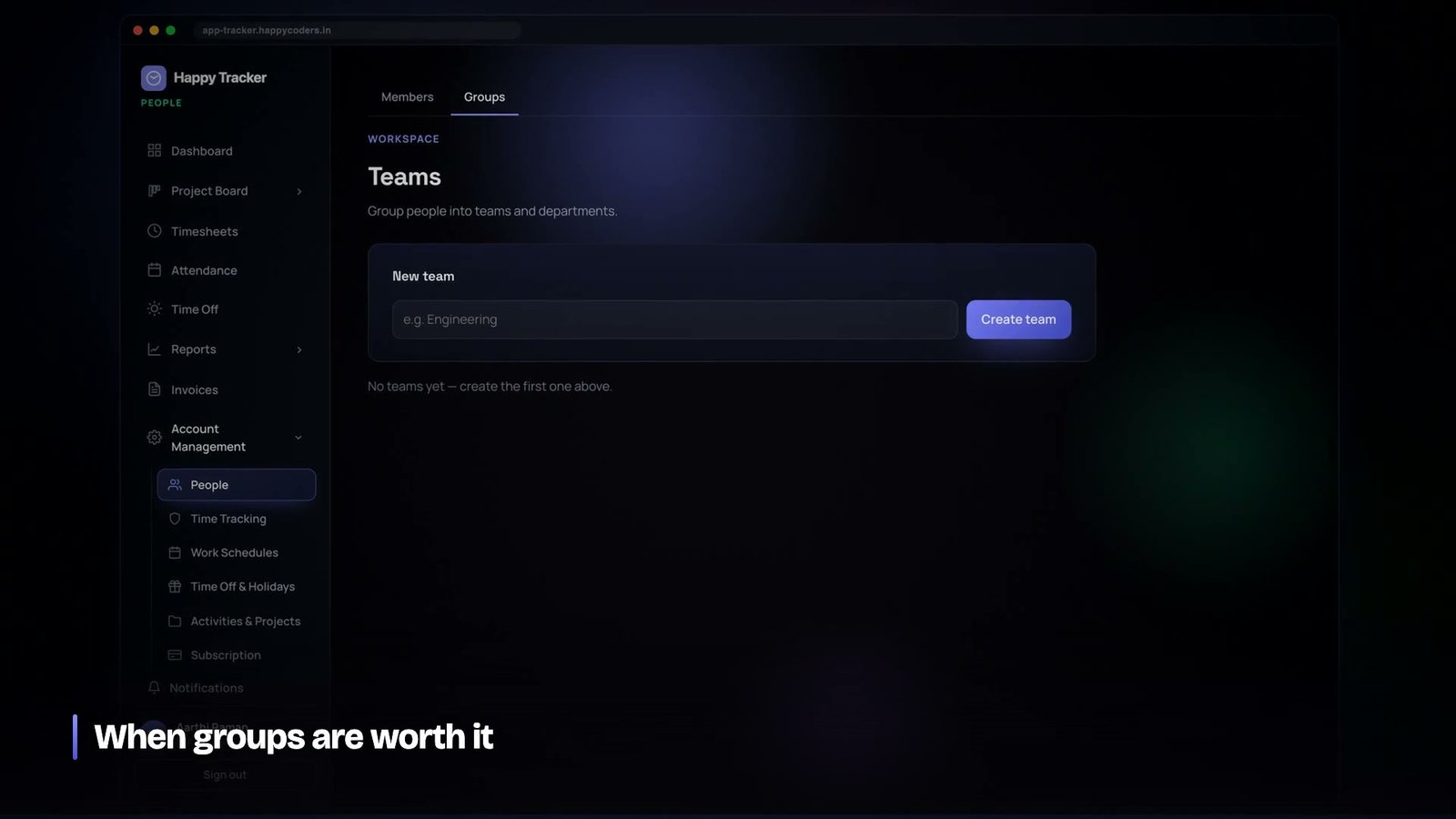
Teams are a third axis, and they are not roles either
Once you have tenants and roles, somebody asks for teams, and it is tempting to implement them as a kind of role. They are not. A role says what kind of authority a person has. A team says which slice of the company’s work they are part of. The same person can be a manager and be in the design team, and the two facts constrain completely different things.
We kept them as separate structures for a reason that only became obvious later: filters and permissions have different failure modes. If a team filter is wrong, somebody sees a report with the wrong people in it, which is annoying and immediately visible. If a permission is wrong, somebody sees data they should not, which is a security issue and frequently invisible. Implementing the first using the machinery of the second means every filtering bug is potentially a permissions bug, and you can no longer reason about either.
The practical consequence in our codebase is that team membership narrows a query and never widens one. A manager filtering a report by team sees fewer rows. Removing the filter returns them to what their role allows, not to everything. There is no path where a team assignment grants access that the role did not already permit.
The migration problem nobody warns you about
A single-database design makes migrations cheap right up until you need to change the shape of something that already has customer data in it, at which point every customer is affected by the same statement at the same moment.
We hit this properly when sprints changed from belonging to a project to belonging to the organisation. It sounds like a small modelling change. In practice it meant every existing sprint had to be examined: sprints with the same name across several projects had to be merged into one, their tasks re-pointed, the backlogs collapsed into a single organisation backlog, and exactly one sprint left in the active state per organisation where previously several could be active at once. Then a column had to be dropped.
Three things made that survivable and we would repeat all three.
- The migration was written to be resumable. Schema changes on MySQL are not transactional; if it fails halfway you cannot roll back, you can only go forward. Every step checked whether it had already been applied before applying it.
- The data transformation ran before the schema change, not after. Back-filling first means the destructive step happens against data that is already correct.
- The rule that decided ties was written down in the migration itself. When several sprints were active, the one running in the most projects won. That is an arbitrary choice, and six months later nobody would have remembered making it if the reasoning were not sitting in the file.
The broader lesson is that in a shared-database product, a migration is a change to every customer’s data simultaneously, and the review it deserves is closer to the review you would give a deployment than the one you give a schema tweak.
Audit logs are how you find out what actually happened
Isolation stops the bad request. The audit log is how you answer the question afterwards, and in a multi-tenant product that question comes up more often than you expect — usually not because of an attack but because a customer’s administrator changed something and nobody in their office remembers who.
Every mutation that matters writes an entry: who did it, in which organisation, against which record, and what it was. Member role changes, project and client edits, leave decisions, privacy settings, forced clock-outs, manual time entries. The entry carries the organisation, which means the audit log is itself tenant-scoped and an administrator sees their own company’s history and nothing else.
Two design notes. First, the log records the action and enough context to understand it, not a full before-and-after copy of the record; storing complete snapshots turns the audit table into the largest thing in the database within a year. Second, entries carry a reference to the record they concern, so the history of a single task or a single member can be pulled out directly rather than by searching text.
The moment this earned its keep was a support case where a customer’s team had been unable to clock in for a day. The audit log showed a device-restriction setting turned on at 11:18 one morning and off again the following day, by a named administrator. Without it, that would have been an afternoon of guessing; with it, it was a two-minute answer and a much better conversation with the customer.
Impersonation, and doing it without weakening anything
Eventually a customer’s owner says: I need to see what my team member sees, because they say a page is broken and I cannot reproduce it. The lazy answer is to ask for their password. The dangerous answer is a support back door.
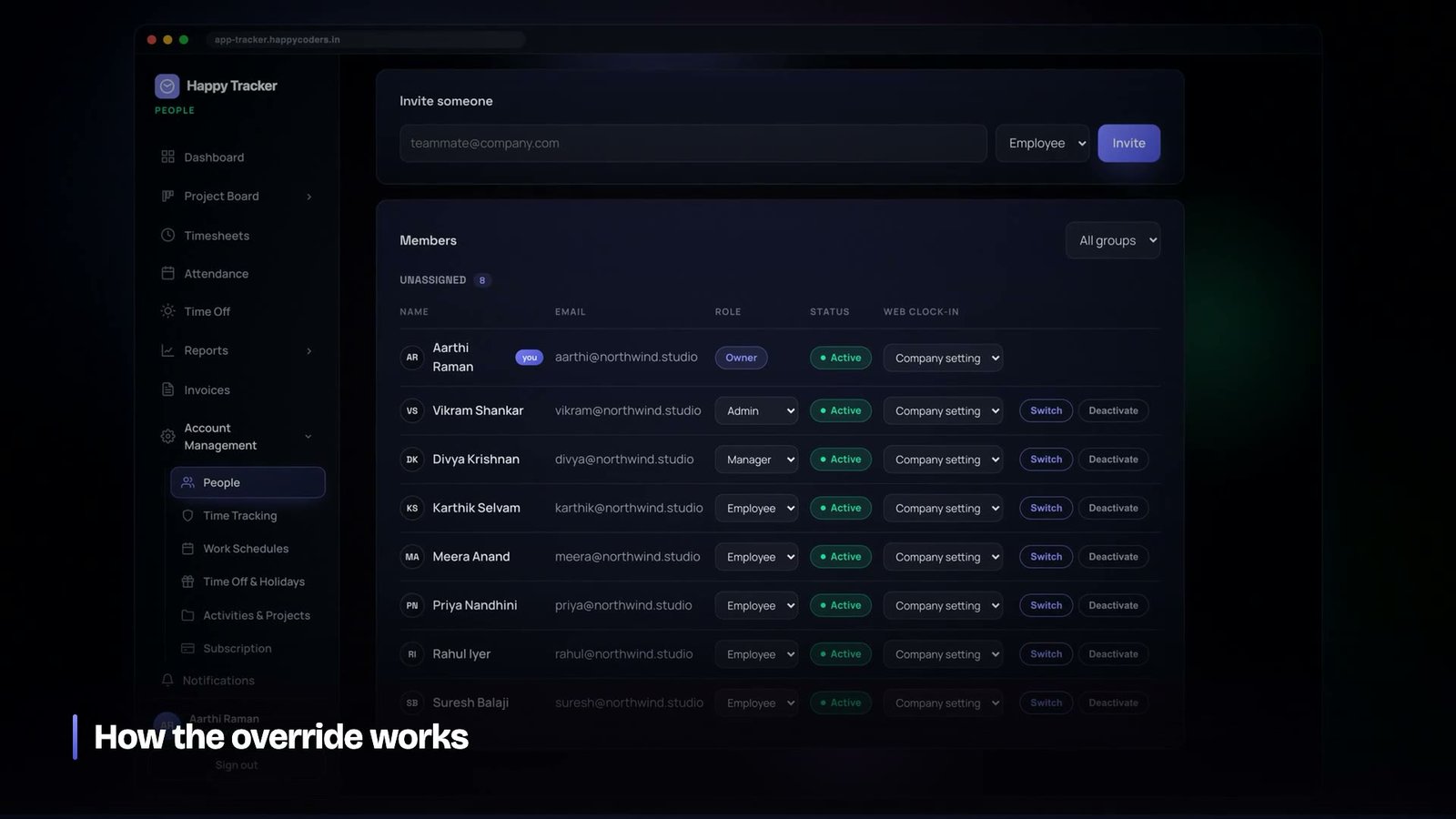
We built it as a scoped token swap. An owner or administrator can view the application as a member of their own organisation, without that member’s password. The session is clearly marked on screen the whole time so nobody forgets which identity they are in. It is written to the audit log, so the member can see it happened. And it is guarded against privilege escalation — the mechanism cannot be used to become somebody with more authority than the person using it, which is the failure mode that turns a convenience feature into a vulnerability.
The rule that keeps it safe is that impersonation is always downward and always within one tenant. There is no path, for anybody, that crosses an organisation boundary. Support access to a customer’s workspace is a separate, explicit thing rather than an emergent property of a feature built for a different purpose.
Testing the boundary is cheaper than trusting it
If there is one habit worth taking from all of this, it is that the tests for a multi-tenant product should be written by somebody in an adversarial mood. Not “does the happy path work” — that gets covered anyway because it is what you are building. The valuable tests are the ones that assume a competent attacker with a valid account at a different company.
The list is short and it applies to every endpoint you will ever add: read another tenant’s record by id, write to one, list with a filter that names one, accept an invitation into one, act with a role you do not hold, act after your organisation has been suspended, and exceed a plan limit by taking a path other than the obvious one. Seven cases. They are quick to write, they almost never change, and they are the difference between an architecture that is safe and one that has simply not been tested yet.
The cost of the safe path
It is fair to ask what all this costs. Resolving the organisation on every request is one extra lookup. Querying through the tenant relation adds a join that the index already covers. Looping per organisation in scheduled jobs is slower than one bulk statement. The adversarial tests roughly double the test count for each endpoint.
Measured against the alternative — a single leak, once, ever — none of it is close. And the day-to-day cost is lower than it looks, because the safe path is also the conventional one: a developer who follows the existing patterns gets isolation without thinking about it, which was the entire design goal.
What we would tell anyone building this
- Decide isolation is structural on day one. Retrofitting it across a mature codebase is a project, not a task.
- Resolve the tenant from the session, never from the request. Anything the client can set, the client can change.
- Query through the tenant relation. Make the natural way to write a query the safe one.
- Return not-found, not forbidden, for records in another tenant. Do not confirm existence.
- Write the adversarial test for every endpoint. Two tenants, wrong credentials, expect nothing.
- Put roles on the membership, not the user. People belong to more than one company.
- Corral the cross-tenant code into a small, obvious, unreachable-from-the-API corner, and loop per tenant inside it.
- Enforce plan limits at every path that can trip them, not just the obvious one.
None of this is clever. It is a set of conventions applied consistently, plus tests that assume somebody will eventually forget one. That is the whole of it, and it is the difference between a single-database multi-tenant system that is safe and one that is merely lucky.
Happy Tracker runs on exactly this architecture and is free for up to five users with no time limit at happytracker.happycoders.in. If you are building something similar and want to compare notes, we are Happy Coders.




