
Screenshot Monitoring That Survives a Conversation With HR
Screenshot Monitoring That Survives a Conversation With HR
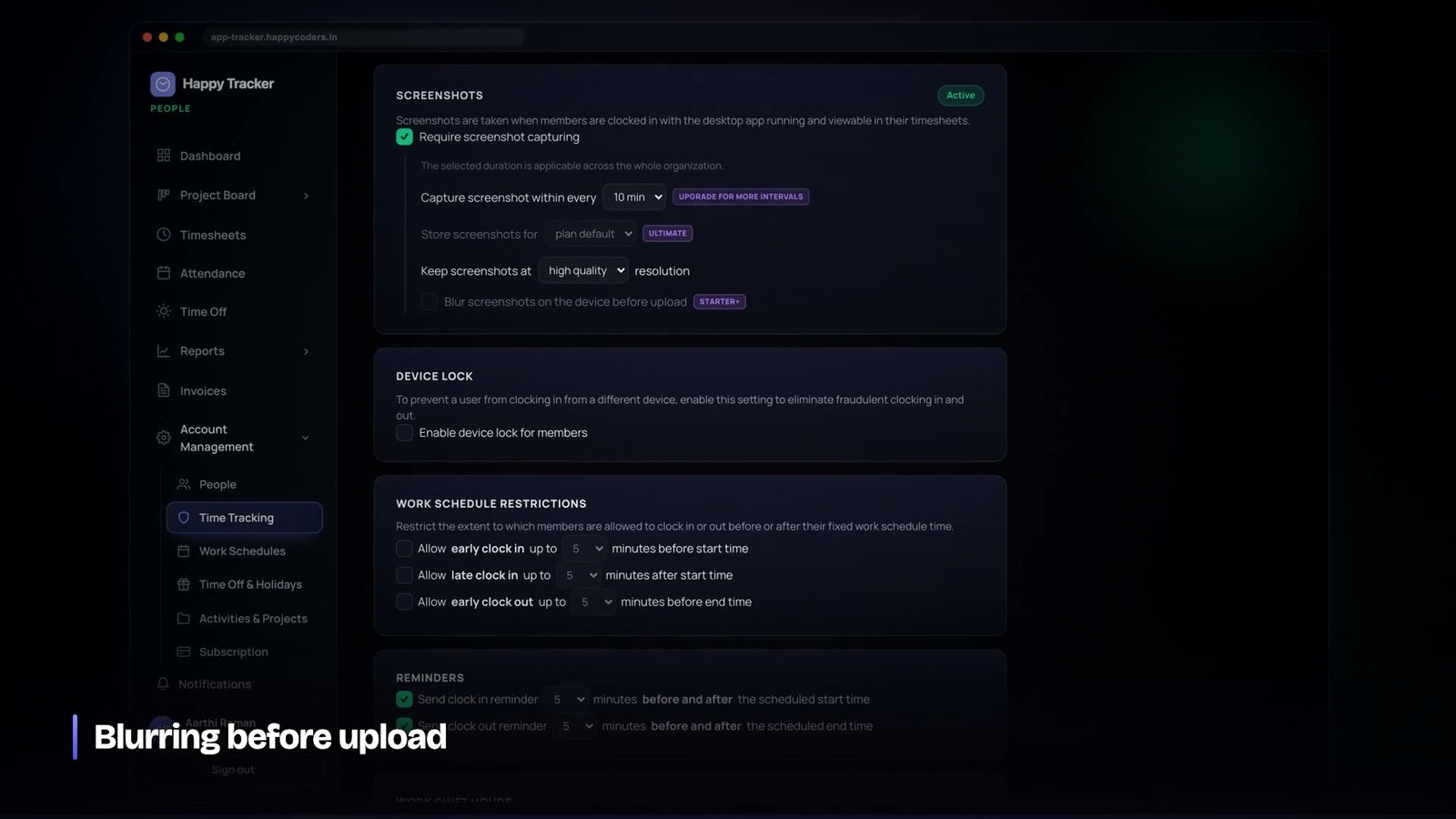
Screenshot monitoring is the feature that decides whether a time tracker gets deployed or gets fought. It is also, technically, one of the easier things in the product to build and one of the hardest to build responsibly. A weekend is enough to capture a screen and upload it. Getting to something a company can switch on without a difficult meeting takes considerably longer, and most of that work is not in the capture at all.
We want to describe how ours works, including the parts that are constraints rather than features, because the constraints are the interesting bit.
Start from the conversation, not the capture
On the day a company turns this on, somebody will ask what it takes pictures of. Every architectural decision should be made so that the answer to that question is short and true.
If the honest answer is “it captures your entire screen at random intervals, keeps the images indefinitely, and three people you have never met can browse them”, then the feature is going to be resisted regardless of how well it is engineered. If the answer is “it captures the screen you are working on, on a schedule your company set and you can see, blurred if your company chose that, deleted automatically after a fixed number of days, and you can look at every single one of your own”, that is a conversation that ends in agreement.
The design goal is not to capture as much as possible. It is to capture the least that still answers the question the company is asking, and to make everything about it visible to the person being captured.
Capture only while a work session is running
The tracker takes screenshots only while somebody is clocked in on a work entry. Not while they are clocked out. Not during a break. Not in the background while the app happens to be open. The moment a session ends, capture stops, and the application says so on its own screen rather than leaving people to trust that it did.
This sounds obvious and it is the single most common thing that monitoring tools get wrong, usually not deliberately but because the capture loop was written as a timer that starts with the application rather than with the session.
The frequency is a plan setting and a policy setting at once
How often a screenshot is taken is not a technical parameter, it is a statement about how closely a company watches its people, and it should be visible as such.
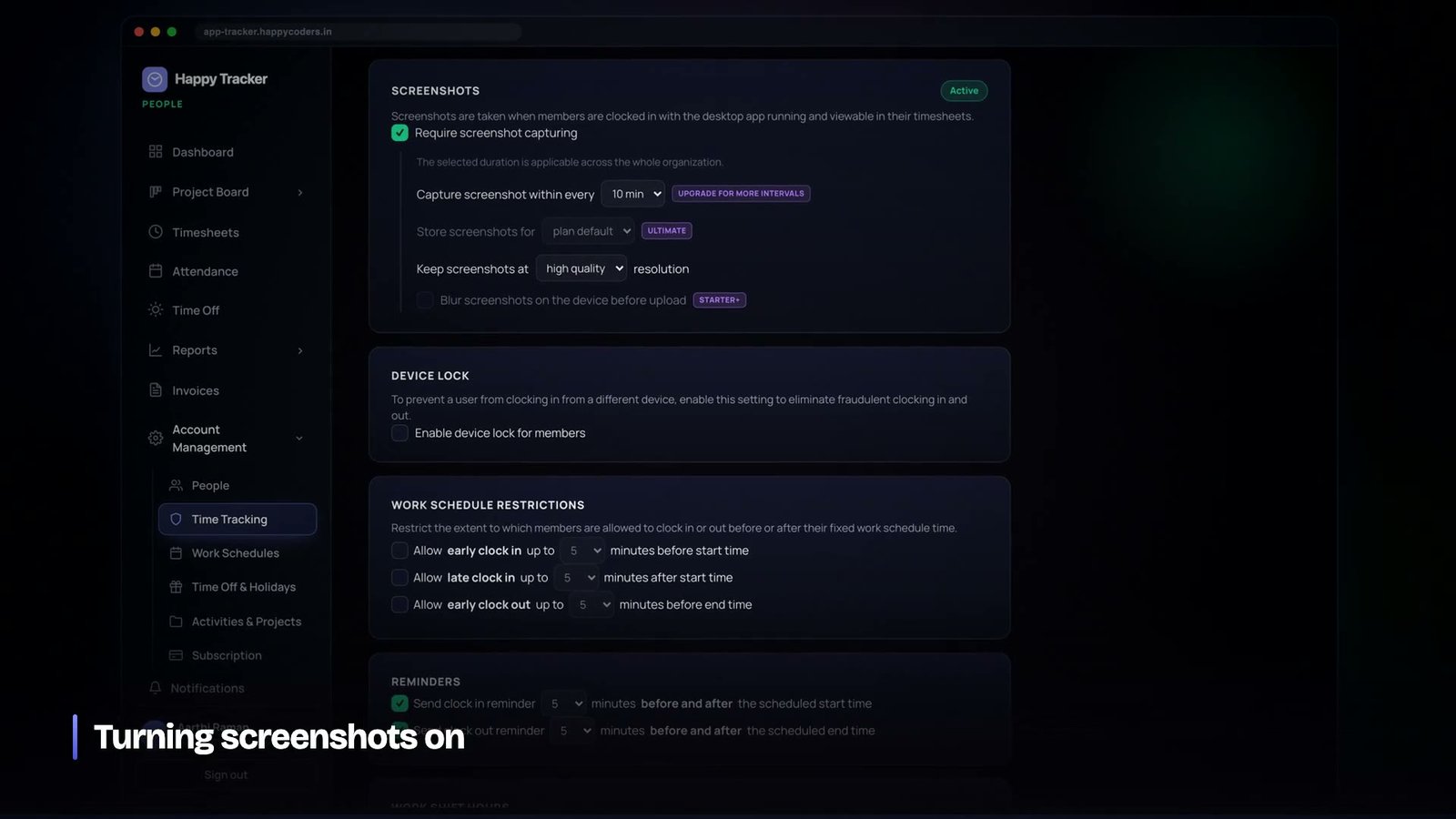
In our case the ceiling is set by the plan and the actual value is set by the company inside that ceiling. A plan might permit up to six captures per ten minutes; a company on that plan can choose one, or three, or six, or none at all. The interface states the effective interval in plain words rather than as a number of seconds in a config field.
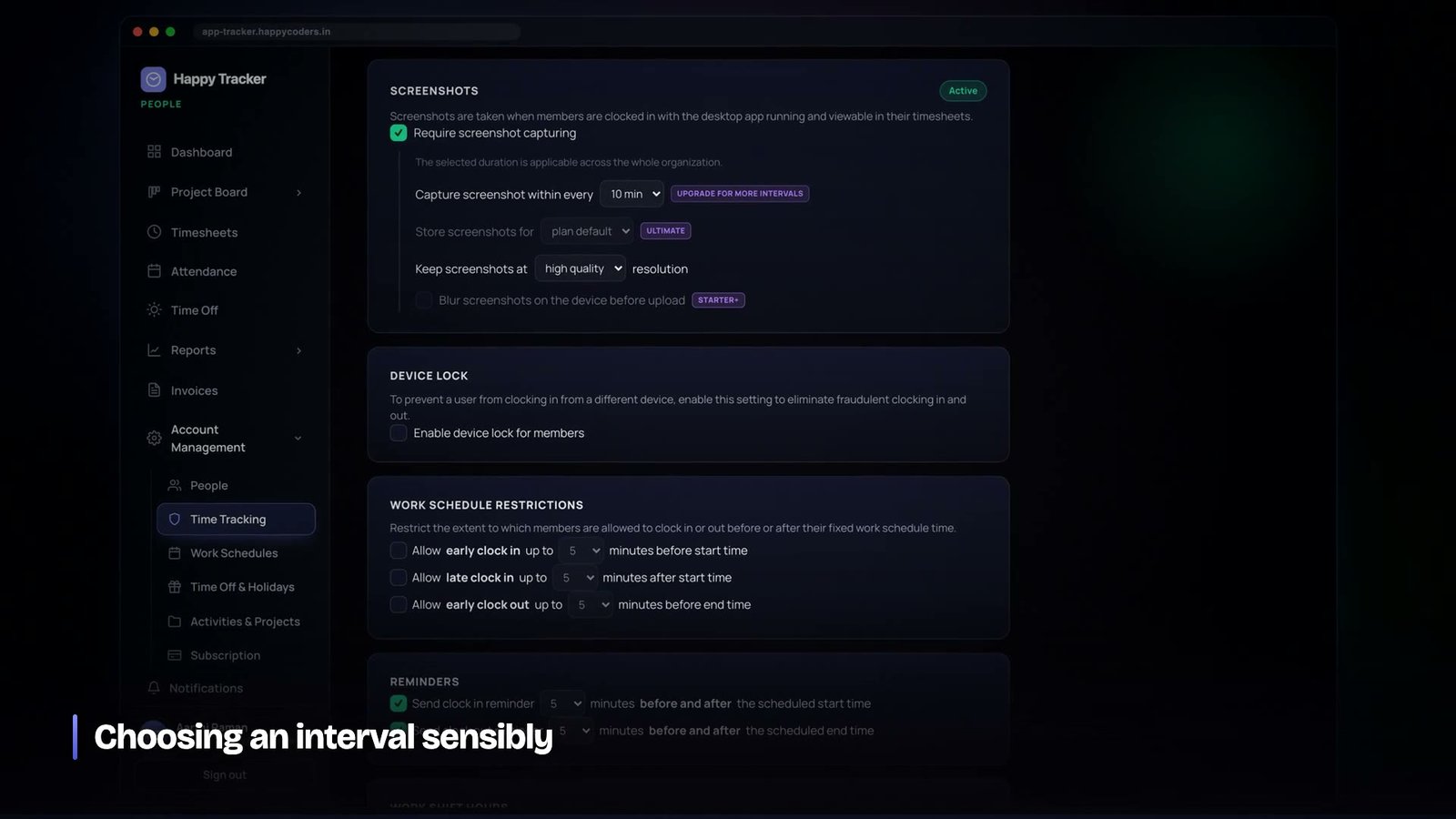
Two implementation details matter here. First, the interval is randomised within its window rather than fixed, so that captures do not land on a predictable clock — a fixed five-minute cadence teaches people exactly when to look busy. Second, the desktop applications read this policy from the server on a short poll rather than caching it at sign-in. When an administrator turns capture off, it needs to be off on every machine within a minute, not at next login. We learned that the hard way with a different setting and it is not a mistake worth repeating.
Blur is not a checkbox, it is the whole point for many customers
A screenshot answers two quite different questions. Was this person at their desk working on something plausible? And what, specifically, were they doing? A great many companies want the first and do not want, or are not legally comfortable with, the second.
Blurring gives you the first without the second. The layout of the screen remains legible — you can tell an editor from a spreadsheet from a video call — while the text does not survive. For a manager checking that a remote contractor is genuinely working, that is sufficient. For anybody handling client data under a confidentiality agreement, it is frequently the only version of this feature they are permitted to use at all.
The critical detail is where the blur happens. Ours is applied on the device, before the upload. The unblurred image is never transmitted and never stored anywhere. If blurring is applied server-side, then a full-fidelity screenshot of a client’s confidential document existed on your infrastructure, however briefly, and that is a materially different conversation with a customer’s legal team.
The upload path, and why the server never touches the image
The storage design is worth describing because it is where a naive implementation creates both a cost problem and a security problem.
The obvious approach is for the desktop app to POST the image to the API, which then writes it to object storage. It works, and it means every screenshot from every user on every machine flows through your application servers. At any scale that is a bandwidth bill and a bottleneck, and it puts the images inside the blast radius of any application-level vulnerability.
Instead the flow is:
- The tracker asks the API whether capture is currently permitted, and with what settings. The answer comes from the plan and the organisation’s own policy combined.
- It captures, blurs if required, and compresses to the quality the plan allows.
- It asks the API for a pre-signed upload URL. The API checks the request is for a key inside that user’s own prefix and issues a short-lived credential.
- The tracker uploads straight to object storage. The image never passes through the application.
- It confirms the upload, and only then does a row appear in the database with the metadata — who, when, which session, which key.
The check in step three is small and load-bearing: a pre-signed URL that is not scoped to the requesting user’s prefix is an open door to writing over somebody else’s data. Reads work the same way in reverse — the interface never links directly to a bucket, it asks for a signed URL that expires.
Retention is the part nobody plans and everybody regrets
Screenshots accumulate at a rate that is easy to underestimate. Three captures per ten minutes, eight hours a day, twenty working days, fifty people: that is around one hundred and forty thousand images a month for a company that would describe itself as small.
Two things go wrong if you do not plan for this. The storage bill grows without limit, which is annoying. And the volume of personal data you are holding grows without limit, which is a genuine liability — every one of those images is a small window into somebody’s working day, and holding them for four years serves no purpose that anybody can articulate.
Retention in our system is a property of the plan, enforced by a scheduled command that deletes both the object and its row once it is past the window. It runs whether or not anybody is paying attention, which is the only kind of deletion policy that actually works.
One rule we set early and would defend to anybody: pruning touches screenshots and activity blocks only. It never touches time entries, projects, tasks or invoices. Somebody’s hours from two years ago are a business record. The picture of their screen from two years ago is not, and conflating the two would mean a storage policy could quietly delete billing history.
The employee has to be able to see their own data
Every screenshot taken of a person is visible to that person, in full, without asking anybody. This is the feature that costs the least to build and does the most for whether the product is accepted.
They can also request deletion of a specific image — the one that caught a personal message, or a document that should not have been on screen. The request goes to an administrator rather than deleting immediately, because a self-service delete button on a monitoring product defeats its purpose, but the request exists, it is visible, and refusing it is a decision somebody has to actively make rather than a silence.
This is the difference between monitoring and surveillance, and it is not a philosophical difference, it is an operational one. Monitoring is something a company does openly with rules everybody can read. Surveillance is monitoring that the subject cannot see. The same code produces either, depending on choices that have nothing to do with the capture loop.
Image quality is a cost decision disguised as a technical one
Once retention is bounded, the next number that decides your storage bill is quality. A full-resolution screenshot of a modern display is a large file, and multiplied by the volumes above it becomes the dominant line item in the infrastructure cost of the whole product.
We tie quality to the plan, with a hard ceiling in kilobytes per image as well as a quality setting, because the two do not always move together — a busy screen compresses badly and can blow through a size budget at a quality level that is fine for everything else. Capping the bytes rather than only the quality is what makes the cost predictable.
The interesting part is that lower quality is very often the correct choice on the merits, not merely the cheap one. If the purpose of the capture is to confirm that somebody was working on the right kind of thing, a small image does that. If the purpose requires reading the text on the screen, you are no longer doing monitoring, you are doing content inspection, and that is a decision a company should make deliberately rather than arrive at because the default was set to maximum.
There is a related trap in retries. A tracker on a poor connection will fail an upload, and a naive retry loop will queue up hours of images and then flood them all at once when the connection returns, at exactly the moment the person is trying to use their laptop for something else. Capping the queue and dropping the oldest is the right behaviour: a missing screenshot from ninety minutes ago is not worth degrading somebody’s machine for.
What happens when the policy changes mid-session
Settings do not only change between sessions. An administrator will turn capture off in the middle of a working day, and what the running trackers do in the next sixty seconds is the whole measure of whether the control is real.
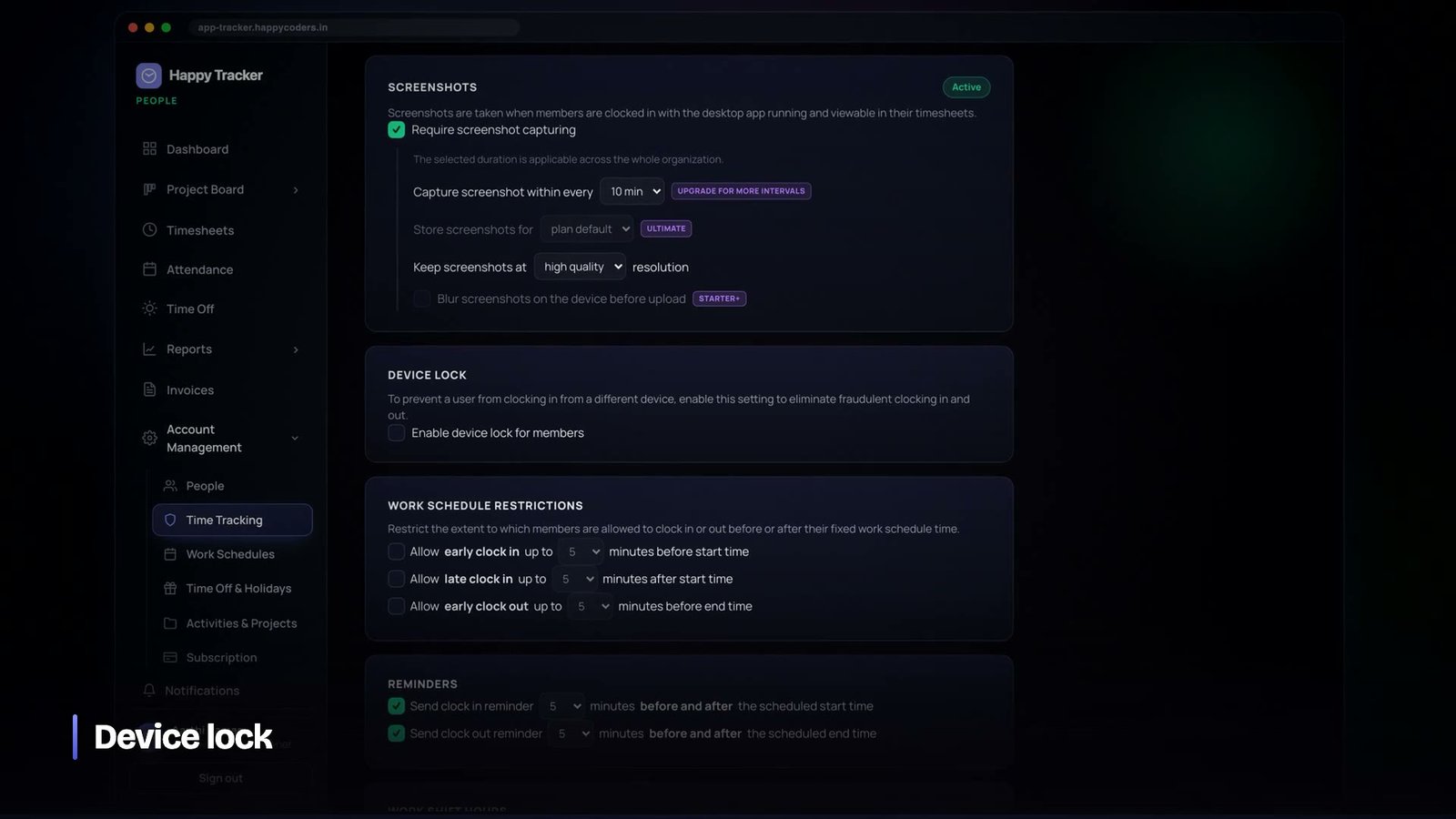
Because the desktop applications poll the policy rather than reading it once at sign-in, the change propagates within one poll interval. A tracker that had been capturing stops, and the on-screen indicator updates so the person can see it has stopped. Nothing already uploaded is deleted, because deleting historical records on a settings change would be its own kind of surprise, but nothing further is taken.
The same mechanism carries the idle thresholds and the automatic clock-out rules. Putting every one of these on the server rather than in the client turned out to be one of the better structural decisions in the product: it means there is exactly one place where the answer to “what is this company’s policy” lives, and three desktop applications on three operating systems cannot drift away from it or from each other.
Three platforms, one contract
The trackers are genuinely different programs — a native application on macOS, a WPF application on Windows, an Electron application on Ubuntu — written against the same small HTTP contract. Screen capture in particular is nothing like the same problem on the three.
On macOS the system requires explicit screen-recording permission, granted by the user, and the application cannot proceed without it; the honest thing to do is explain what the permission is for at the moment you ask, rather than sending people to a settings pane with no context. On Linux under Wayland there is no general screen-capture API at all and the portal-based flow requires the user to select what is shared, which changes the interaction from silent capture to something the person explicitly consents to each session. On Windows the capture itself is straightforward and the multi-monitor arrangement is where the complexity lives.
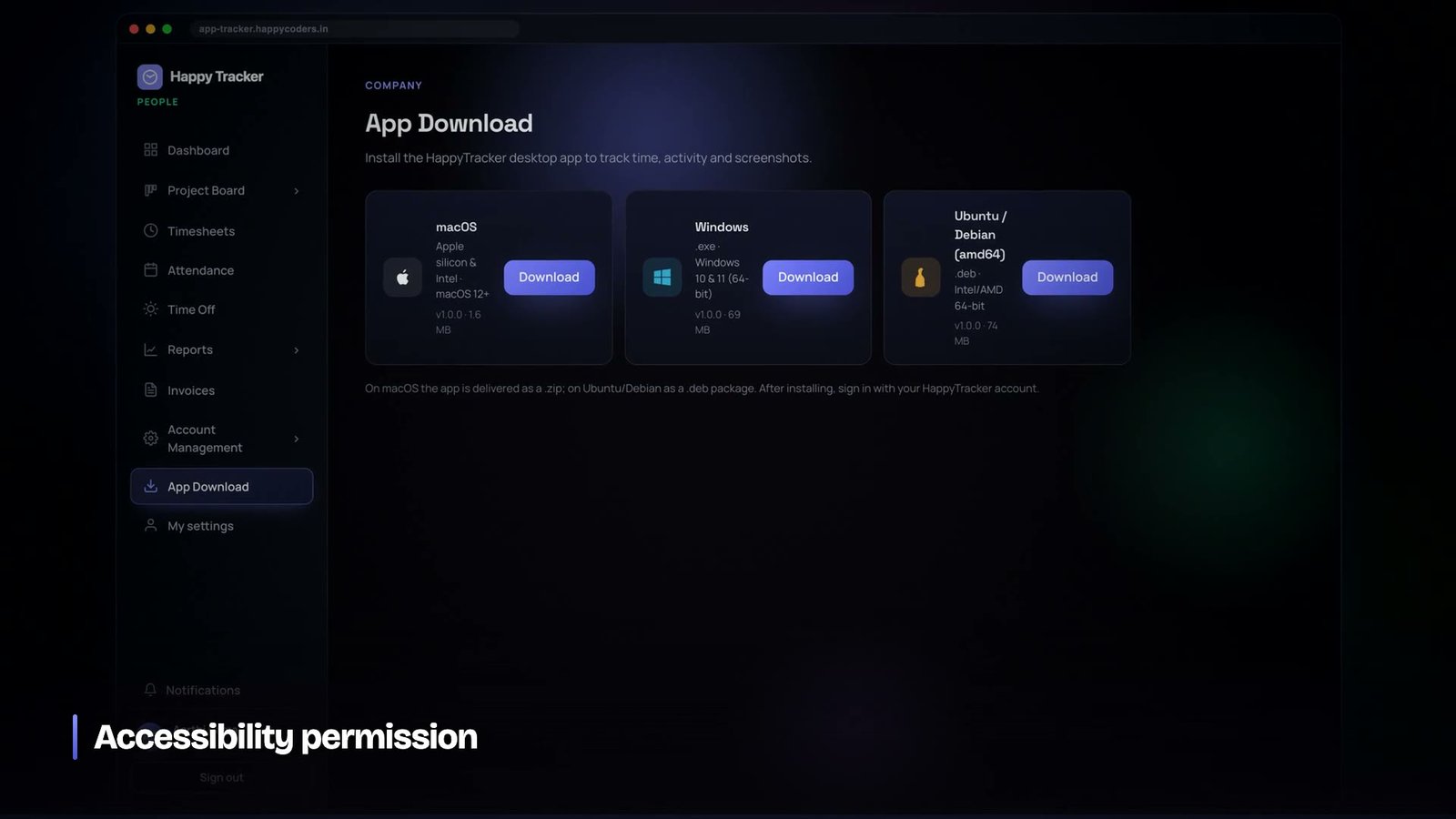
We considered, briefly, papering over these differences so that the product behaved identically everywhere. That would have meant working around the operating system’s own consent mechanisms, which is exactly the kind of engineering that turns a monitoring product into malware. The platform differences are visible in the product instead, and on the platforms where the OS insists on asking the user, we let it ask.
Multiple monitors, and the question of which screen
A developer with three displays presents a genuine question: capture all of them, or one, and if one, which?
Capturing everything triples the storage and captures the most context, including the screen with the personal email on it. Capturing the primary display captures whatever happens to be designated primary, which is frequently not where the work is. Capturing the display with the focused window is the most informative and the most surprising to the person, because it changes without warning.
We settled on capturing the display the person is working on, with the ability to change which screen is used, exposed in the tracker itself rather than buried in an admin console. It is their machine and their layout; they are in a much better position to say which screen is the work one than an administrator in another city.
Where this fits legally, without pretending to give legal advice
We are engineers, not lawyers, and what follows is a description of the design choices we made rather than advice about any jurisdiction. But the shape of the obligations is consistent enough across most of them to be worth stating.
Monitoring employees is generally permissible when it is proportionate to a legitimate business purpose, when the people affected have been told, and when the data collected is limited to what the purpose requires and kept no longer than necessary. Almost every regime says some version of that. Very little of it is about the technology and almost all of it is about proportionality, notice and retention.
- Proportionate — which is why the interval is adjustable down to zero, and why blur exists as a first-class option rather than an afterthought.
- Notice — which is why the tracker states on screen when it is recording, and why every employee can see their own captures without asking.
- Limited — which is why there are no keystrokes, no clipboard, no camera and nothing at all outside a session.
- Time-bounded — which is why retention is enforced by a job rather than by intention.
The terms make it explicit that the company using the product decides how it is configured and is responsible for giving its people the notice and obtaining any consent their local law requires. That is not us avoiding responsibility; it is the accurate description of who holds the relationship with the employee. What we can do is make sure that every control they need to comply is present, visible and easy to explain, and that the defaults are the conservative ones.
What to write in the policy document
Every company deploying this needs a paragraph for their staff handbook, and the product should make that paragraph easy to write. Ours reduces to five sentences: what is captured, when it is captured, who can see it, how long it is kept, and how to ask for something to be removed.
If any of those five cannot be answered in one sentence, the configuration is too complicated and should be simplified rather than explained. A monitoring policy that needs a page to describe will not be read, and a policy nobody has read is not notice in any meaningful sense — legally or practically.
What we would tell anyone building this
- Capture only inside a session, and say on screen when you are capturing. An indicator that cannot be trusted is worse than none.
- Blur on the device. If the clear image reaches your servers, you own it, whatever you do next.
- Randomise within the interval. A predictable cadence is a schedule for looking busy.
- Poll the policy, do not cache it at login. Turning capture off must take effect in a minute.
- Use pre-signed uploads scoped to the user’s own prefix. Never proxy images through the application.
- Set retention on day one, enforce it with a scheduled job, and never let the pruner touch business records.
- Show people their own captures. All of them, not a sample.
- Write down what you do not capture — keystrokes, clipboard, camera, anything while clocked out — and publish it before somebody asks.
Screenshot monitoring has a bad reputation and a lot of it is deserved. It does not have to be. Built with these constraints it is a narrow, boring, explainable feature that answers one question, keeps nothing longer than it needs to, and can be described honestly in a room full of the people it applies to. That is a much lower bar than most products in this category clear, and it is entirely achievable.
Happy Tracker’s capture, blur and retention controls all sit in one settings page, and the whole product is free for up to five users with no time limit and no card at happytracker.happycoders.in.




