
Three Operating Systems, One Tracker: What We Learned Shipping Native Desktop Apps
Three Operating Systems, One Tracker: What We Learned Shipping Native Desktop Apps
A web application is a comfortable place to build a time tracker until you need to know which application somebody has in the foreground, or whether their machine has seen any input for the last eleven minutes, or whether it went to sleep at six o’clock with the timer still running. A browser tab cannot answer any of those questions, and it should not be able to.
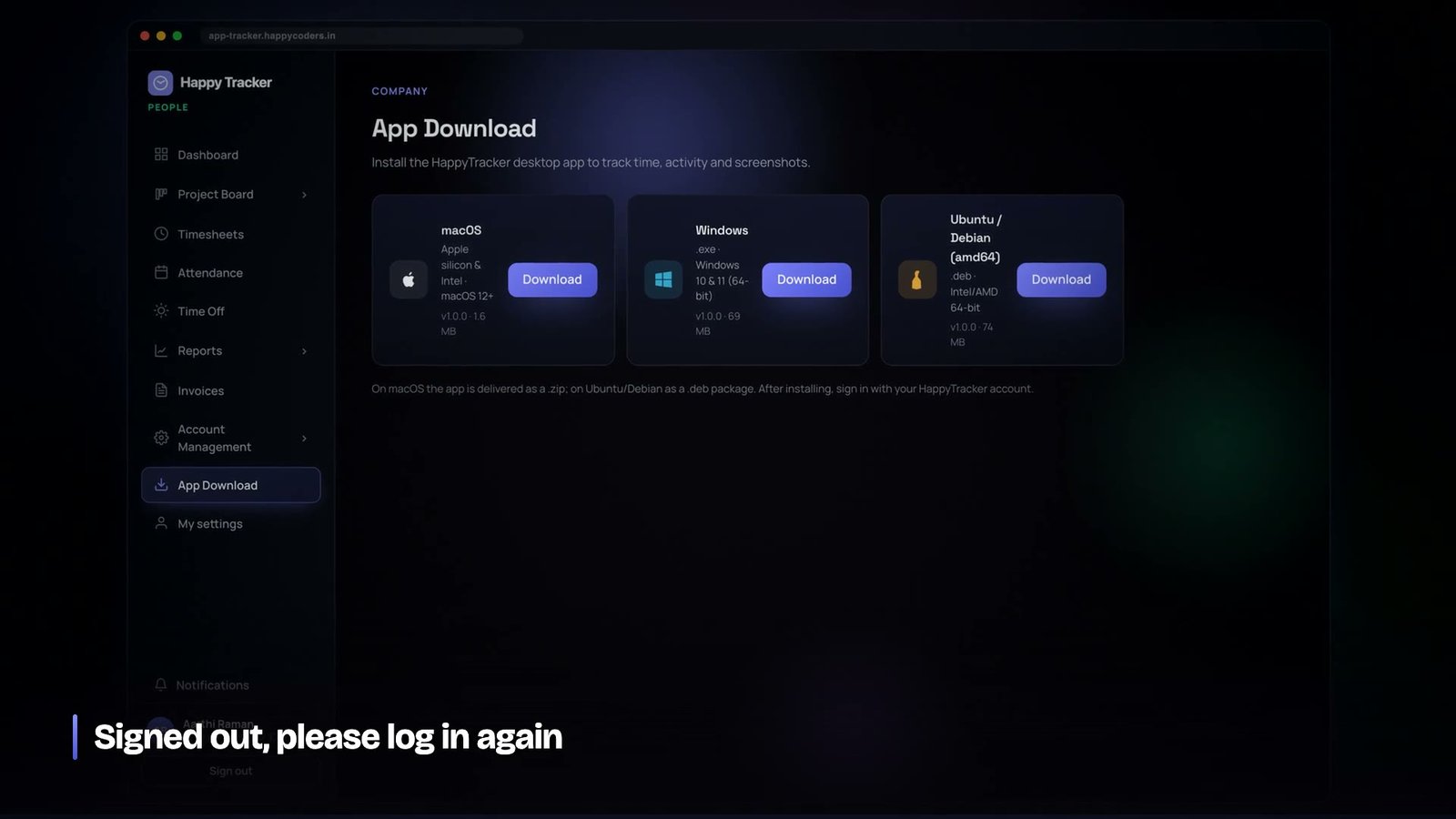
So there is a desktop application. And because the people who need it are on Mac, on Windows and — more often than the market share suggests, among developers — on Ubuntu, there are three. This is what that actually costs and what we would do the same again.
Why not one cross-platform build
The obvious move is a single Electron application shipped everywhere. We use Electron for one of the three and deliberately did not use it for the others, and the reason is that the parts of this product that matter are exactly the parts that are least portable.
- Foreground window and title. A different API on each platform, with different permission requirements.
- System idle time. Three different mechanisms, and on Linux more than one depending on the session type.
- Screen capture. On macOS this needs an explicit user grant. On Wayland there is no general capture API at all.
- Sleep, wake and shutdown. Three sets of events with different reliability guarantees.
- Launch at login, tray behaviour, notification style. Superficial, and the things users notice first.
Every one of those needs native code regardless of the shell it sits in. Once you are writing platform-specific code for the substance of the application, a cross-platform framework is buying you a shared window layout and costing you the ability to feel native on any of the three.
So: a Swift application on macOS, a WPF application on Windows, and Electron on Ubuntu — chosen there because the Linux desktop is genuinely fragmented and a runtime that abstracts some of that away is worth more than native feel on a platform whose users are the most tolerant of a slightly foreign-looking window.
The contract is the product
Three separate applications with independent codebases will drift apart unless something prevents it. The thing that prevents it, in our case, is that almost nothing is decided in the client.
The trackers do not know how often to take a screenshot. They do not know how long an idle stretch has to be before a session is closed. They do not know whether blurring is on, or what the image quality ceiling is, or whether this organisation permits clocking in from a browser at all. They ask, on a short poll, and they do what the answer says.
This is the single decision that has done the most to keep the three applications consistent. A policy change lands in one place and reaches all three within a minute. There is no version of the product where the Mac app enforces a thirty-minute idle timeout and the Windows app enforces two minutes because somebody updated one constant and forgot the other.
It also means the desktop applications are, in a sense, thin. They are responsible for the things only they can do — reading the OS, capturing, buffering when offline — and for nothing else. Everything that is a business rule lives on the server, where there is one copy of it and it can be tested.
What the tracker sends
The upward traffic is small and deliberately boring: clock events, activity blocks in batches, and screenshot confirmations. Blocks are batched rather than sent individually because a tracker on a hotel wifi connection should not be making a request every fifteen seconds, and because a batch that fails can be retried whole.
Everything carries the device it came from and the kind of client it is. Those two facts are separate fields and the difference between them cost us an outage, which is a story worth telling in full.
The bug: which machine, and what kind of client
Sessions on the desktop register a device identifier. Browsers do not. For a long time we used the presence of that identifier to answer both questions we cared about: which machine is this, for the single-device lock, and is this a desktop client, for organisations that only permit clocking in from the tracker.
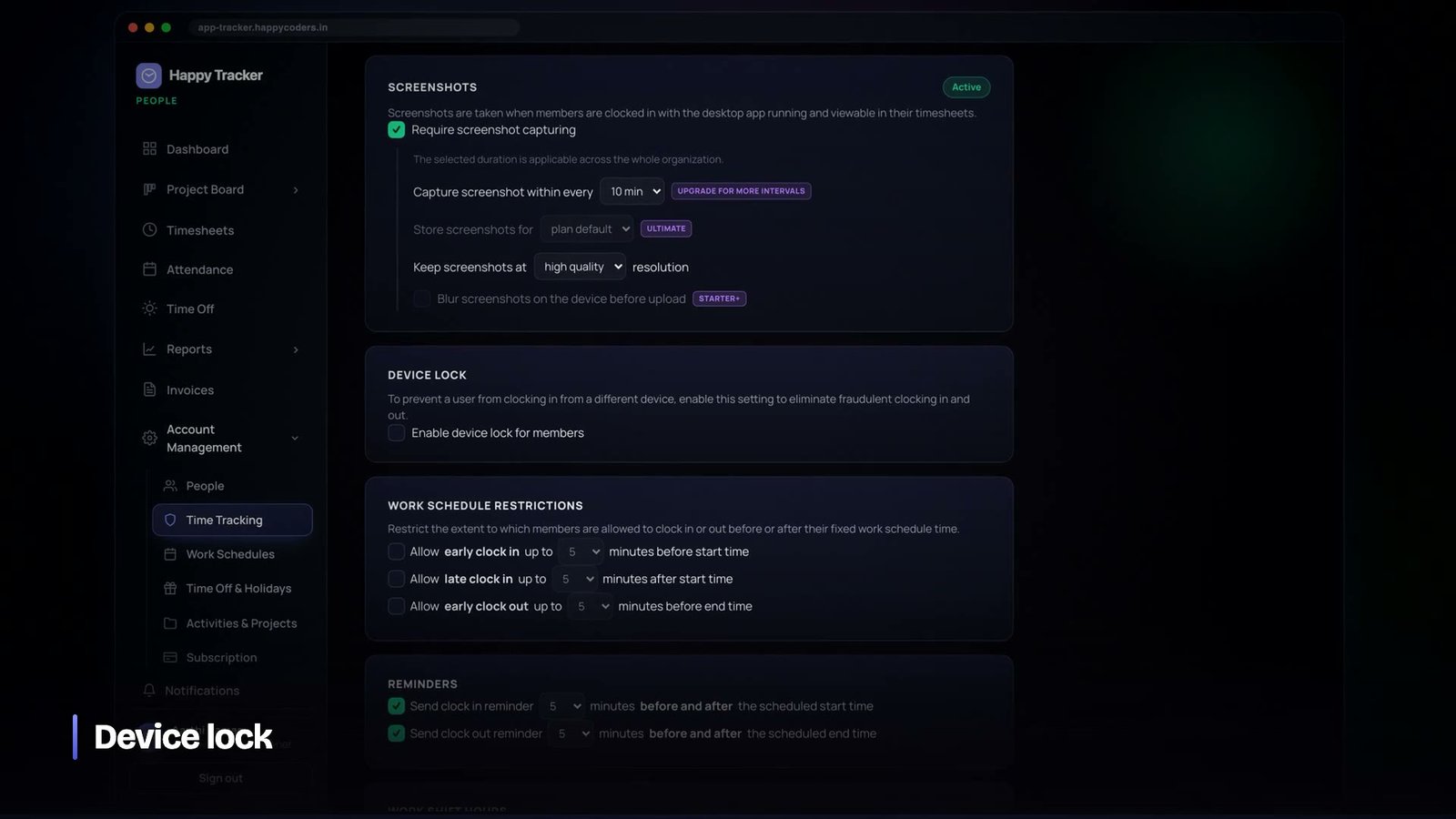
Then a customer enabled desktop-only clock-in, and a set of users who were standing inside the desktop application were told their organisation did not allow clocking in from the web.
They were running older builds that had signed in before device registration existed. Their sessions were valid, genuinely from the tracker, and carried no device identifier — so the check read them as browsers. Two questions had been answered with one field because for a period the answers happened to coincide.
The fix was to separate them: a field recording the kind of client, stamped at sign-in, and a device identifier used only for the lock. Existing sessions were back-filled by their recorded name so nobody was signed out, and there is now a regression test asserting that a token issued by an old build still reads as a desktop client.
The instructive part is the fix we did not apply. Back-filling a device identifier onto those sessions would have satisfied the clock-in check immediately — and then the single-device lock would have seen dozens of sessions claiming to be different machines and rejected all but one of them. A confusing error message would have become a genuine lockout. When you have a bug caused by conflating two concepts, the fix is to separate the concepts, not to make one of them satisfy the check.
If two attributes always agree today, that is a reason to store both, not a reason to store one. The day they diverge, you will be debugging in production with customers locked out.
macOS: permissions are a first-class part of onboarding
On macOS the tracker needs accessibility permission to read the foreground window, and screen-recording permission to capture. Both are granted by the user in System Settings, both require the application to be restarted, and neither can be requested silently.
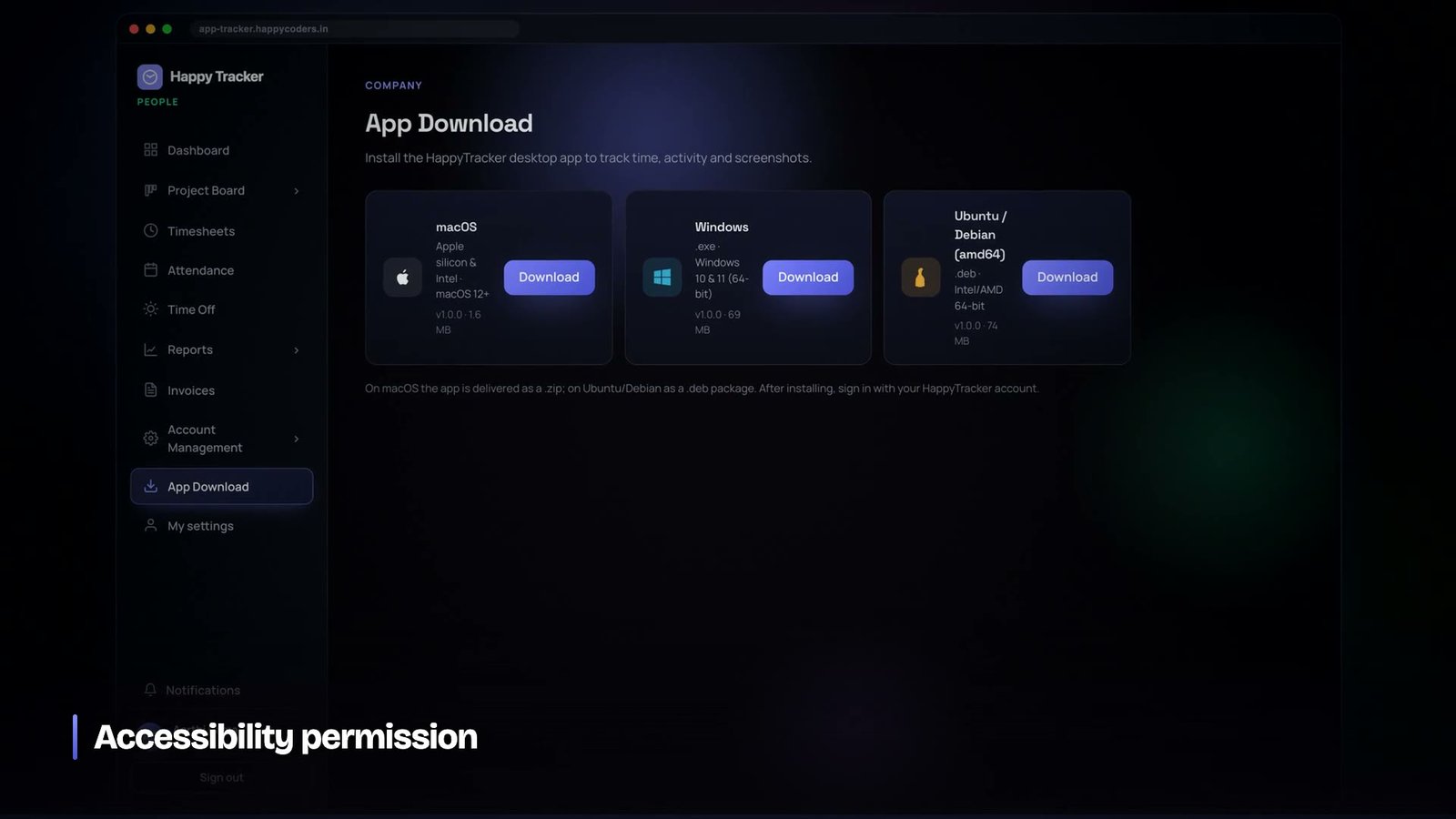
A lot of applications treat this as an error state — a dialog that says a permission is missing, with a button that opens a settings pane, and no explanation. For a monitoring product that is exactly the wrong tone. The first thing a new user experiences is being asked for an intrusive permission with no reason given.
We made it a step in onboarding with the reason stated plainly, including what the permission does not allow. Accessibility lets the tracker read which window is in front. It does not let it read the contents. Saying that at the moment of asking costs one paragraph and changes the entire first impression.
Ubuntu: Wayland changed the problem
Under X11 screen capture is straightforward. Under Wayland, by design, there is no general API for one application to capture the screen without the user’s involvement, and that is a security improvement rather than an obstacle to route around.
The path that works is the desktop portal, where the user selects what is being shared. Our first implementation asked for a portal grant more often than it needed to, which meant a person clocking in was answering a system dialog repeatedly through the day. The fix was to take a single grant per session and hold the stream, and it turned an irritating application into an unremarkable one.
Multiple monitors needed explicit handling too. With more than one display connected there is a real question about which screen the work is on, and no correct automatic answer, so the tracker exposes a way to change it. That control lives in the tracker rather than in an administrator’s console, because the person sitting at the desk knows which screen is the work one and an administrator in another city does not.
Windows: the platform that is easy until distribution
The Windows application was the least difficult of the three to build. Foreground window, last-input time, screen capture and power events are all well documented and stable.
Where Windows costs you is everything after the build. Unsigned executables are met with warnings that stop non-technical users completely, and code-signing certificates involve organisational verification that takes weeks. The same is true on macOS, where a developer certificate and notarisation are needed before the application will open without a Gatekeeper warning. Neither of these is engineering work, both sit on the critical path to a customer being able to install anything, and both are routinely discovered late.
If you are planning something similar, start the certificate paperwork on the first day of the project. It is the longest lead time in the whole thing and it is entirely administrative.
Offline is the normal case, not the edge case
Laptops travel. The tracker has to keep working through a lift, a train, a conference wifi captive portal and a hotel connection that resolves DNS but routes nothing.
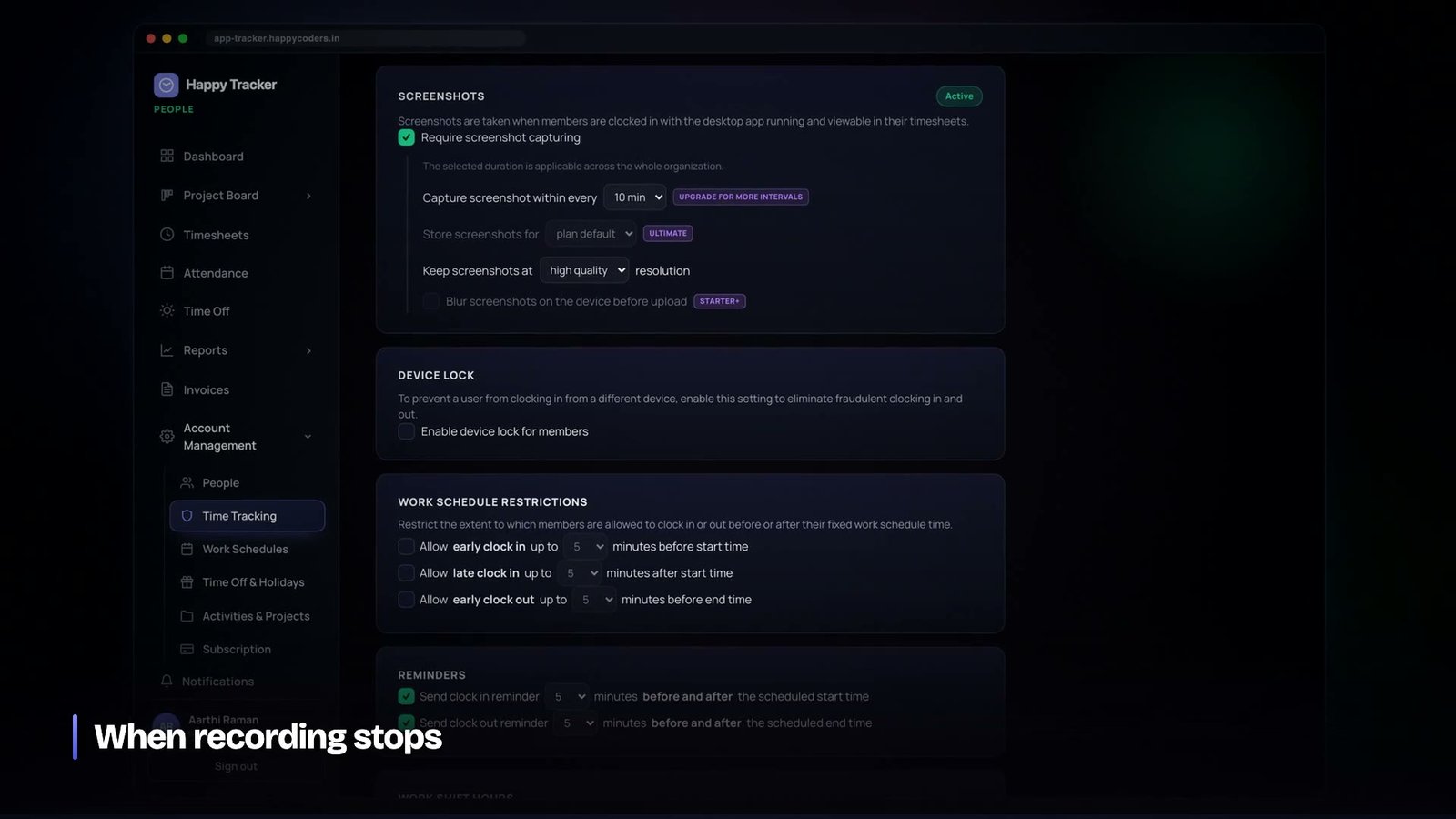
Clock events and activity blocks are queued locally and sent when the connection returns. Screenshots are queued too, with a cap: a tracker that has been offline for three hours should not flood the network with three hours of images the moment it reconnects, at exactly the moment the person is trying to use the connection for something else. Old images are dropped rather than delivered late.
And when recording is not happening, the application says so. An indicator that only ever shows the good state teaches people not to trust it.
The forgotten clock-in, and a popup that had to earn its place
The most common support question about any time tracker is not about a feature. It is a person discovering at four in the afternoon that they never clocked in at nine.
This is easy to fix badly. A reminder every morning at nine is ignored inside a week. A persistent banner is noise. A notification that fires whenever the app is open and not tracking will fire during lunch, on a day off, and while somebody is deliberately not tracking, and the third time that happens the person turns notifications off and you have lost the channel permanently.
What we ended up with reads the same signal the idle detection reads, in the opposite direction. If somebody has been continuously active at their machine for five minutes — real input, with any gap of a minute or more resetting the count — and they are signed in and not tracking, they get one closable prompt. Dismissing it re-arms after another five active minutes.
The conditions are what make it tolerable. Continuous activity means the machine is genuinely being worked at, not left on. Signed in means they intend to use the product. Not tracking means the prompt is relevant. And closable, with a real re-arm delay, means it never becomes something to fight.
It is implemented separately on each platform because the underlying signal differs, but the rule lives in one specification and all three follow it. The general lesson: a prompt that is right ninety per cent of the time and dismissible is useful; one that is right sixty per cent of the time is worse than nothing, because people stop reading the whole class of message.
Sessions that end when nobody is watching
The counterpart problem is the session that never ended. Someone closes a laptop at six with the timer running and opens it the next morning to a fourteen-hour day.
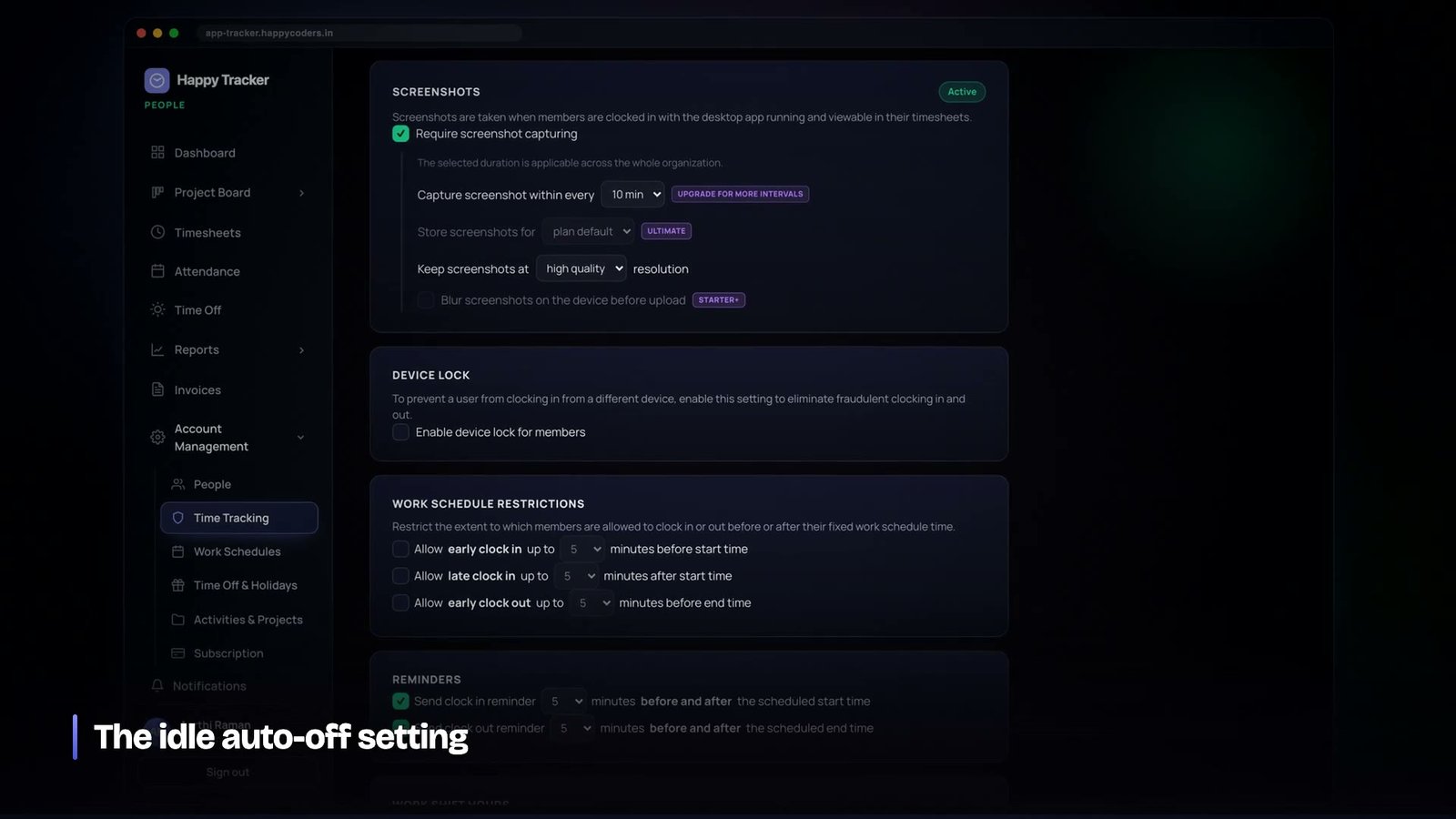
A tracker can catch some of this itself — sleep and shutdown events exist on all three platforms — but it cannot catch a machine that loses power, and it cannot report anything at all once it is off. So the authoritative rule lives on the server, and it works from the absence of data rather than from an event.
If a session is open and no activity blocks have arrived for more than a few minutes, that machine is gone. The session is closed at the end of the last block that did arrive, plus a short grace, rather than at the moment the server noticed. Closing at detection would credit the person with every hour their laptop spent shut.
That rule is carefully gated. It only applies to sessions that were producing activity blocks in the first place, so a clock-in made from the browser — where there are no blocks and never were — is never touched by it. This is the kind of condition that looks like over-engineering until the day it stops a scheduled job from closing every web session in the product at once.
Every automatic closure records which rule fired, and the person is notified. A day that silently gets shorter is indistinguishable from a bug, and support cannot tell them apart either.
One account, one tracker at a time
Shared accounts are the quiet way time-tracking data becomes fiction. Two people signed in as the same user on two machines produce overlapping sessions, and every report downstream is wrong in a way that is very hard to spot.
The rule we settled on is that one account may hold one active desktop tracker at a time. A second machine signing in takes the lock and the first is told, clearly, that the session moved. The browser is deliberately exempt: someone checking their timesheet on a phone while their laptop tracks is normal, and blocking it would be enforcement for its own sake.
This is where the device identifier earns its existence, and it is why conflating it with the client type was so damaging. The lock needs to know which machine. The clock-in policy needs to know what kind of client. One field cannot honestly answer both, and the day we needed both answers at once was the day it broke.
Shipping to three platforms is mostly release engineering
A thing nobody mentions: with three applications you have three build pipelines, three signing stories, three installer formats and three update mechanisms, and they will not be at the same version. A customer on Windows will be two releases behind a customer on Mac because a certificate renewal held up a build.
This is survivable only if the server treats client version as an ordinary fact of life rather than an exception. New fields are added as optional. Old clients keep working. The behaviour of the system is defined by the server’s policy, not by what the client happens to support, so a tracker that is three releases behind still enforces today’s idle rule because it is reading it from the server rather than shipping with it.
That was not foresight so much as a consequence of the earlier decision to put policy on the server, but it is the reason a fleet of mismatched trackers has never been a real operational problem. If you are choosing between putting a rule in the client and putting it on the server, the deciding question is not where it is more convenient. It is what happens when a third of your users are running last month’s build, because a third of them always will be.
Why the tracker stays small
There is constant pressure to put more into a desktop application, because it is on screen all day and it feels like valuable real estate. We have resisted almost all of it, and the reason is that the tracker is the only part of the product that runs on somebody’s personal machine without being asked for each time.
Every feature added there is code running with a person’s permissions, on their hardware, when they are not looking at it. That is a privilege the product should spend as little of as possible. Reports, boards and settings live on the web, where they are visited deliberately. The tracker does the four things only it can do and then gets out of the way, and its memory footprint and permission list are both things we check before every release rather than after somebody complains.
What we would tell anyone building this
- Put every policy on the server. Three clients that each hold their own copy of a rule will disagree within two releases.
- Poll, do not cache at sign-in. Turning something off must take effect in a minute.
- Store the client type and the device identifier separately, from the first version.
- Explain permissions where you ask for them, including the limits.
- Do not route around a platform’s consent mechanism. If Wayland wants the user to choose, let the user choose.
- Start code-signing and notarisation on day one. It is the longest lead time and it is not engineering.
- Cap the offline queue. Late data is worth less than a usable machine.
- Say when you are not recording. Trust in the indicator is the whole product.
Three applications is more work than one. It is a lot less work than one application that is subtly wrong on two platforms, and on a product whose entire value rests on being trusted by the people it runs on, subtly wrong is not a place you can afford to be.
The Mac, Windows and Ubuntu trackers all sit behind the same free plan — five users, no time limit, no card — at happytracker.happycoders.in.




